 English
  Español
  Français
  Deutsch
  Português
  Italiano
  Русский
  中文(简体)
  日本語
日本語  한국어
한국어  العربية
  हिन्दी
  Nederlands
  Türkçe
  Polski
The Growing Need for PDF Translation
In today’s interconnected world, the ability to understand and communicate across languages is no longer a luxury – it’s a necessity. From global business dealings and academic research to personal travel and accessing vital information, PDF documents are a ubiquitous format. However, these documents often arrive in a language we don’t understand, creating a significant barrier. This is where the need for a reliable and effective PDF translator becomes paramount.
Imagine receiving a crucial business contract from an international partner, a research paper published in a foreign language that could advance your studies, or even simple instructions for a new gadget. Without the ability to translate these PDFs, you’re effectively cut off from valuable information and potential opportunities. This is why the “best PDF translator” isn’t just about convenience; it’s about empowering individuals and businesses to engage globally without limitations. The demand for tools that can accurately and efficiently handle PDF translation has never been higher, driving innovation in AI-powered language solutions.
What Makes a PDF Translator “The Best”?
Defining the “best” PDF translator involves a multifaceted evaluation of several key features. It’s not simply about finding a tool that can convert text; it’s about finding a solution that offers accuracy, preserves formatting, is user-friendly, and provides practical integration into your workflow.
Accuracy is King: The most critical factor is the quality of the translation itself. A good PDF translator utilizes advanced AI and machine learning models to understand context, nuances, and industry-specific terminology. Poor translations can lead to misunderstandings, costly errors, and a loss of credibility. The best translators strive for human-like fluency, minimizing grammatical errors and awkward phrasing.
Preserving Formatting: PDFs are notorious for their complex layouts, which include text, images, tables, and various formatting elements. A truly effective PDF translator should do more than just extract text; it needs to maintain the original document’s structure and appearance as much as possible. This means ensuring that text flows correctly, tables remain intact, and even images with text are handled appropriately. Losing formatting can render a translated document difficult to read and unprofessional.
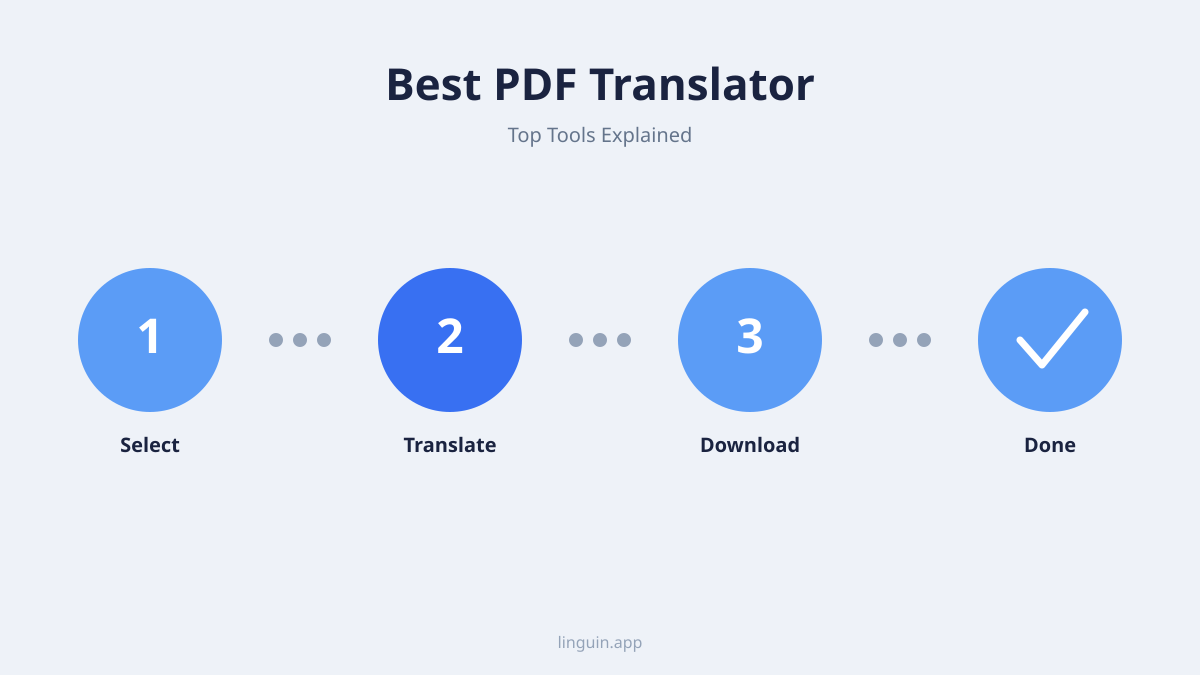
Ease of Use and Accessibility: The ideal PDF translator should be intuitive and require minimal technical expertise. Whether it’s a web-based tool, a desktop application, or a browser extension, the process of uploading a PDF, selecting languages, and receiving the translated version should be straightforward. Furthermore, accessibility across different devices and platforms is crucial. Having a translator available on your macOS desktop, your iOS device for on-the-go needs, or directly within your browser can significantly enhance productivity.
Speed and Efficiency: Time is a valuable commodity. The best PDF translators offer swift translation speeds, allowing you to get through large documents or multiple files without lengthy delays. This is particularly important for professionals who need to process information quickly.
Security and Privacy: When dealing with sensitive documents, especially in business contexts, the security of your files is paramount. The best PDF translators will have robust security protocols in place to protect your data during the translation process.
Cost-Effectiveness: While free options exist, they often come with limitations in accuracy, features, or file size. The “best” translator for you will strike a balance between cost and the quality and features it offers, providing good value for your investment.
Evaluating Popular PDF Translation Methods
When you need to translate a PDF, several approaches come to mind. Each has its strengths and weaknesses, and understanding these can help you choose the method that best suits your specific needs.
Online PDF Translators
Web-based PDF translators are often the first port of call due to their accessibility. You simply upload your PDF file to a website, select your source and target languages, and download the translated version.
Pros:
- Accessibility: Works from any device with an internet connection.
- No Installation: No software needs to be downloaded or installed.
- Often Free for Basic Use: Many offer free tiers with limitations.
Cons:
- Formatting Issues: Can struggle significantly with complex PDF layouts, leading to jumbled text and broken tables.
- Accuracy Limitations: Free online translators may rely on less sophisticated AI, resulting in less accurate translations.
- Security Concerns: Uploading sensitive documents to unknown websites can pose privacy risks.
- File Size/Usage Limits: Free versions often restrict the size of files or the number of translations you can perform.
Desktop Software
Dedicated translation software installed on your computer offers more control and potentially better features. These applications can sometimes integrate more deeply with your operating system and file management.
Pros:
- Potentially Higher Accuracy: Some desktop applications leverage more advanced translation engines.
- Offline Capabilities (Sometimes): Certain software can perform translations without an internet connection.
- More Features: May offer batch translation, glossary support, and advanced formatting options.
Cons:
- Requires Installation: Takes up storage space and needs to be updated.
- Can be Expensive: Professional-grade desktop software can be a significant investment.
- Platform Specific: Might be limited to a single operating system (e.g., Windows-only or macOS-only).
Browser Extensions
For seamless integration into your browsing workflow, PDF translator extensions for browsers like Chrome and Safari are invaluable. They allow you to translate PDFs directly within your browser, often without needing to download the file or visit a separate website.
Pros:
- Convenience: Translate PDFs as you encounter them online.
- Integrated Experience: No need to switch between applications.
- Often Free or Freemium: Many offer a good balance of features for free users.
Cons:
- Browser Dependency: Only works when you’re using the browser with the extension installed.
- Performance Variations: Translation speed and accuracy can vary depending on the extension’s underlying technology.
- Formatting Preservation Can Still Be a Challenge: While better than some online tools, complex PDFs can still pose difficulties.
Linguin: A Powerful All-in-One PDF Translation Solution
This is where a comprehensive solution like Linguin shines. Designed with the modern user in mind, Linguin offers a powerful and integrated approach to PDF translation across multiple platforms. Leveraging cutting-edge AI, Linguin is engineered to overcome the common pitfalls of PDF translation.
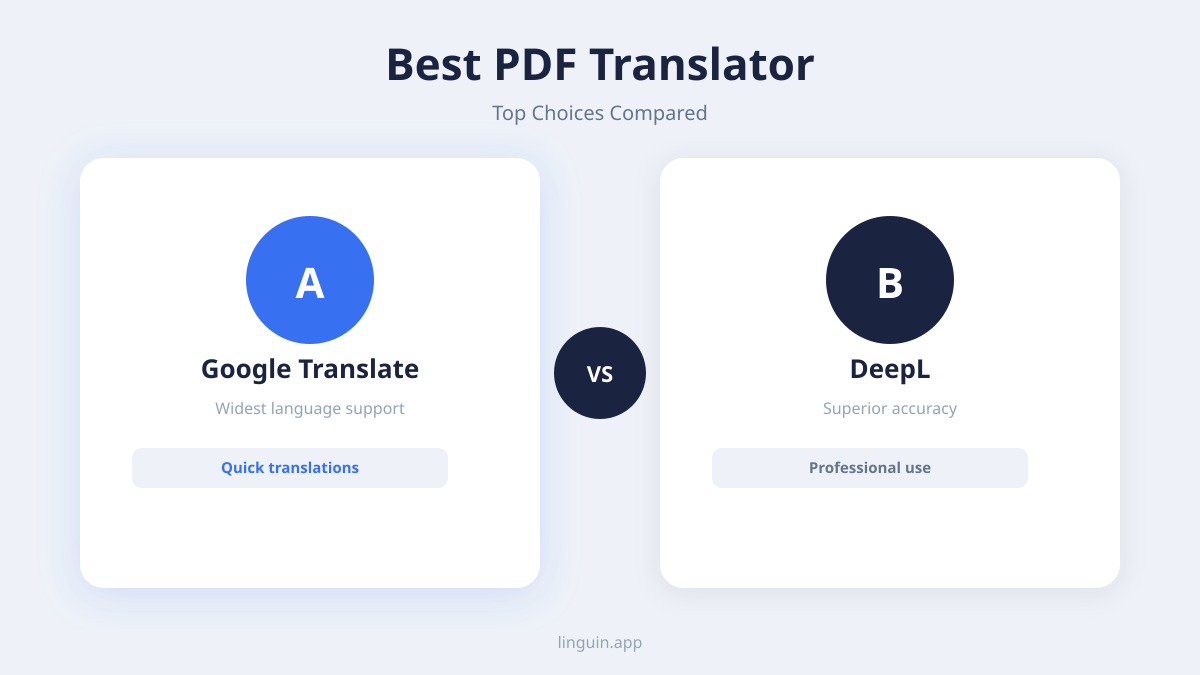
Linguin’s strength lies in its advanced Natural Language Processing (NLP) capabilities. It doesn’t just translate word-for-word; it understands the context, syntax, and semantics of the original text, delivering translations that are remarkably accurate and natural-sounding. This is crucial for PDFs, where the precise meaning of sentences can drastically alter the overall message.
One of the most significant challenges with PDF translation is maintaining document formatting. Linguin has invested heavily in developing technology that can interpret and reconstruct the layout of your PDF. This means that when you translate a document, the headers, paragraphs, tables, and even the placement of images are preserved as faithfully as possible. This dramatically reduces the post-translation editing effort, saving you valuable time and ensuring your translated documents look professional and are easy to read.
Linguin isn’t confined to a single device or operating system. Its availability as an app for macOS and iOS, along with browser extensions for Chrome and Safari, provides unparalleled flexibility.
- On your Mac: You can directly translate PDFs stored on your computer, perfect for large projects or important work documents.
- On your iPhone or iPad: Need to translate a PDF on the go? Linguin’s mobile app makes it simple to translate documents from your device, whether they’re in your cloud storage or sent via email.
- Within your browser: The Chrome and Safari extensions allow you to translate PDFs that you encounter online directly. Imagine finding a product manual or a news article in a foreign language; with Linguin, you can understand it instantly without leaving the webpage.
This multi-platform approach ensures that you have a consistent and powerful translation tool at your fingertips, no matter where you are or what device you’re using. The seamless syncing across your devices means your preferences and usage history can be maintained, offering a truly integrated experience.
Furthermore, Linguin prioritizes user experience. The interface is clean, intuitive, and designed for efficiency. Uploading your PDF, selecting your languages, and initiating the translation takes just a few clicks or taps. The speed at which Linguin processes documents is also impressive, making it suitable for individuals and businesses dealing with high volumes of translated content.
For those concerned about the privacy of their documents, Linguin implements robust security measures to ensure your files are handled with the utmost care and confidentiality. This peace of mind is essential when translating potentially sensitive information.
Tips for Maximizing Your PDF Translation Experience
Whether you’re using Linguin or another tool, there are several best practices to follow to ensure you get the best possible results when translating PDFs.
1. Prepare Your PDF: Before uploading, ensure your PDF is text-based, not an image scan. If it’s a scan, you’ll need to use Optical Character Recognition (OCR) software first to convert it into editable text. Many advanced PDF translators, including Linguin’s underlying technology, have built-in OCR capabilities, but it’s always good to be aware of this step. Also, try to use PDFs with clear, standard fonts and simple layouts for best results.
2. Understand Language Nuances: No machine translation is perfect. While AI is rapidly advancing, idiomatic expressions, cultural references, and highly technical jargon can still be challenging. Always review translated documents, especially for critical content. If possible, have a native speaker or someone proficient in the target language review key sections.
3. Leverage Context: If your translation tool allows, providing context can improve accuracy. For instance, if you know a document is a legal contract, informing the AI or using a specialized legal translation mode (if available) can lead to better word choices. Linguin’s advanced AI is designed to infer context, but human input can further refine the process.
4. Be Mindful of Formatting: Even with the best tools, extremely complex layouts might require minor adjustments after translation. Don’t expect a perfect replica every time, but aim for a translated document that is functionally identical and easy to navigate. Tools like Linguin that prioritize formatting preservation minimize this post-translation work.
5. Choose the Right Tool for the Job: For quick, informal translations of simple documents, a free online tool might suffice. However, for business documents, academic papers, or anything requiring high accuracy and professional presentation, investing in a premium solution like Linguin that offers superior AI, formatting preservation, and multi-platform support is highly recommended.
6. Test and Compare: If you’re evaluating different translators, try translating a small, representative section of a document with each tool. Compare the accuracy, fluency, and how well the formatting is maintained. This hands-on approach will quickly reveal which tool best meets your standards.
The Future of PDF Translation
The landscape of language technology is evolving at an astonishing pace. AI continues to become more sophisticated, leading to increasingly accurate and context-aware translations. We can anticipate future PDF translators to offer even more nuanced understanding of human language, handle even more complex document layouts effortlessly, and perhaps even adapt their translation style based on the document’s purpose and audience.
The integration of translation capabilities directly into operating systems and everyday applications will likely become more seamless. Tools like Linguin are at the forefront of this movement, bridging the gap between disparate platforms and empowering users with instant language access. As the world becomes smaller, the demand for tools that break down linguistic barriers will only grow, and the “best PDF translator” will be the one that offers the most comprehensive, accurate, and user-friendly experience across all your digital interactions.
In conclusion, finding the best PDF translator involves understanding your needs and evaluating the available options based on accuracy, formatting preservation, usability, and security. For a powerful, integrated, and highly accurate solution that works across your macOS, iOS, Chrome, and Safari devices, Linguin stands out as an exceptional choice, empowering you to unlock the information contained within any PDF, regardless of its original language.