
 English
  Español
  Français
  Deutsch
  Português
  Italiano
  Русский
  中文(简体)
  日本語
日本語  한국어
한국어  العربية
  हिन्दी
  Nederlands
  Türkçe
  Polski
 Chrome Translator Extension
Free AI translation right in your browser.
Linguin is the most powerful Chrome translator extension — select text for an instant popup, translate full pages with one click, or open the sidebar. All without leaving Chrome.
Add to Chrome — It's Free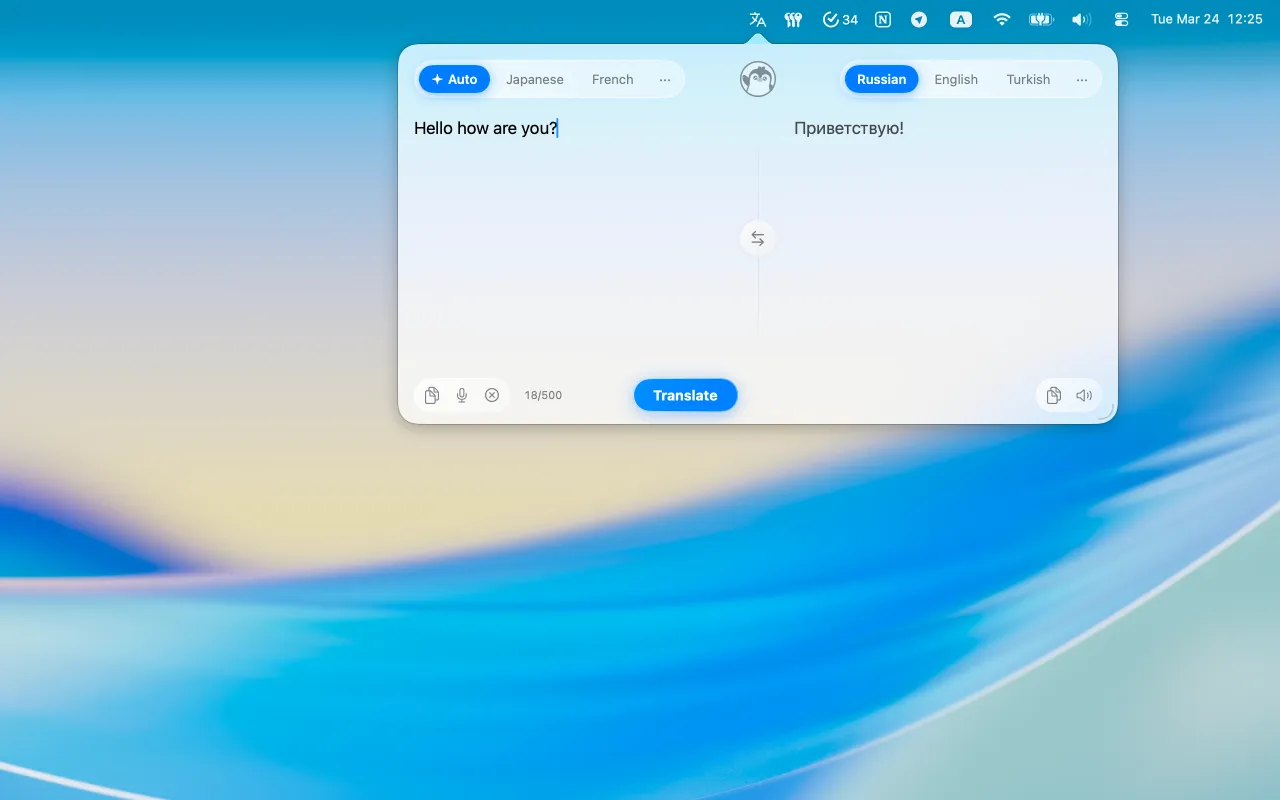
Why Linguin is the best Chrome translator
Linguin integrates deeply into Chrome so translation is always one click — or zero clicks — away.
Full Page Translation
Translate entire web pages in one click. Keep the original layout intact while reading in your language.
Selection Popup
Select any text on any webpage and get an instant translation popup — no copy-pasting needed.
Sidebar Translator
Open the Linguin sidebar to translate while you browse, without leaving the page.
Context Menu
Right-click any selected text to translate it instantly from the browser context menu.
100+ Languages
Translate between over 100 languages with high accuracy powered by AI.
Dark Mode
Linguin's extension UI adapts to your browser's dark mode for a seamless experience.
Get Linguin for Chrome
Free to install and use.
Add to Chrome — It's FreeWorks with Google Chrome 100+. Also compatible with Brave, Edge, and Arc. Also try Linguin for Mac, iPhone, and Android.
Frequently Asked Questions
Everything you need to know about Linguin.
Is Linguin free to use?
Which languages does Linguin support?
Does Linguin work offline?
How is Linguin different from Google Translate?
Is my data private?
Can I translate entire web pages?
Does Linguin work on iPhone?
Is there a keyboard shortcut for quick translation on Mac?
From the Blog
View all articles →
Translate Birth Certificate to English
Guide to translating a birth certificate for USCIS, passports, and legal use. Learn requirements, methods, and costs for certified English translation.
October 2, 2026
YouTube auto translate and AI dubbing guide
Learn how YouTube's auto translate and AI dubbing works, its 27 language support, and how to use it alongside tools like Linguin for better translation control.
September 25, 2026
How a video translation app works
Learn how Linguin uses AI to translate video dialogue, subtitles, and on-screen text in over 100 languages, making global video content accessible.
September 23, 2026




