 English
  Español
  Français
  Deutsch
  Português
  Italiano
  Русский
  中文(简体)
  日本語
日本語  한국어
한국어  العربية
  हिन्दी
  Nederlands
  Türkçe
  Polski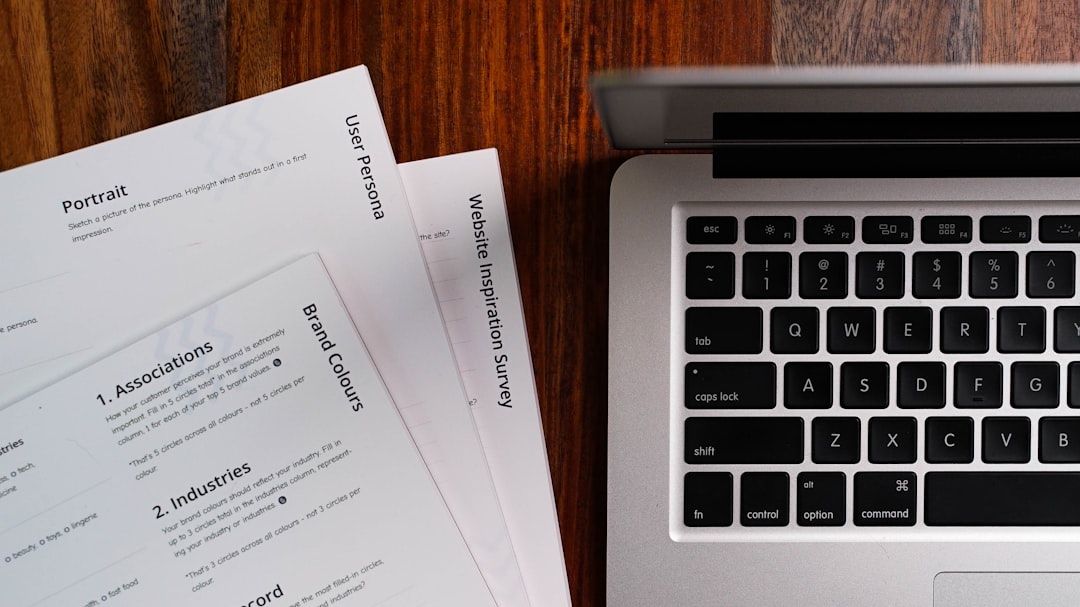
The PDF remains the undisputed king of document formats. Whether it is a legal contract, a technical manual, an academic thesis, or a business proposal, the Portable Document Format ensures that what you see on your screen is exactly what the recipient sees on theirs. However, this rigidity—the very feature that makes PDFs so reliable—is also what makes them notoriously difficult to translate. Unlike a Word document or a simple text file, a PDF is essentially a digital map of characters and images placed at specific coordinates.
In an increasingly globalized world, the need for a reliable PDF translator online has never been greater. Whether you are a student trying to decipher a research paper in German or a business professional reviewing a supplier agreement in Mandarin, you need a solution that doesn’t just translate words, but understands context and respects the original formatting of the document.
The Technical Challenge of PDF Translation
Translating a PDF is significantly more complex than translating a website or a plain text document. When you look at a PDF, you see sentences and paragraphs. When a computer looks at a PDF, it often sees a collection of individual characters or, in the case of scanned documents, just a grid of pixels. This is the first hurdle in PDF translation: extraction.

Many basic online tools struggle because they extract text in the wrong order, breaking sentences across columns or cutting off captions from images. This leads to “word salad,” where the translation might be accurate for individual words, but the overall meaning is lost because the structural logic of the document was ignored. Furthermore, there is the issue of “font embedding.” Some PDFs use custom fonts that don’t support the character sets of the target language—for example, trying to translate an English PDF into Japanese or Arabic can result in the dreaded “mojibake” or empty squares where characters should be.
To overcome these hurdles, modern PDF translators utilize two primary technologies: Optical Character Recognition (OCR) and Layout Analysis. OCR is necessary for scanned documents, turning images of text into machine-readable data. Layout analysis, on the other hand, identifies where headers, footers, sidebars, and images are located to ensure that the translated text is placed back in the correct spot, maintaining the visual integrity of the original file.
Choosing Between Online Web Tools and Browser Extensions
When searching for a PDF translator online, you generally have two main paths: web-based upload portals and browser-integrated extensions. Each has its own merits depending on your specific workflow and the volume of documents you handle.
Web-based portals, such as Google Translate’s document feature or specialized sites like SmallPDF, are excellent for occasional use. You upload the file, wait for it to process, and then download the result. The advantage here is that no software installation is required. However, the downside is often a loss of privacy and a limit on file size. Many “free” online tools will store your documents on their servers, which can be a deal-breaker if you are handling confidential corporate data.
On the other hand, browser extensions offer a more seamless experience. For instance, the Linguin Safari and Chrome extensions allow you to translate content directly as you view it. While traditional web portals require a “stop-and-start” workflow (downloading the PDF, uploading it to a site, then downloading the translation), a well-integrated extension can often bridge the gap by providing instant overlays or quick-action translations. For those who spend their entire day in a browser, this integration is a massive productivity boost.
How to Translate a PDF Online: A Step-by-Step Approach
Most high-quality online translation workflows follow a similar pattern. To get the best results, it is important to understand the steps involved and where things can go wrong.
First, you must prepare the document. If your PDF is password-protected, most online translators will fail immediately. You’ll need to remove the protection first. Second, check if the PDF is “text-searchable.” If you can highlight the text with your cursor, it’s a standard PDF. If you can’t, it’s a scan, and you will specifically need a tool with OCR capabilities.
Once the file is ready, you upload it to your chosen service. This is where the heavy lifting happens. The service parses the text, sends it to a translation engine (like DeepL, Google, or an LLM-based system), and then reconstructs the PDF. The quality of this reconstruction is what separates a mediocre tool from a professional one. You want a tool that detects the font size, color, and style, matching it as closely as possible in the target language.
Finally, you review the output. No automated system is perfect. One common issue in PDF translation is “text expansion.” For example, German text is often 20-30% longer than English text. A good PDF translator will attempt to shrink the font size slightly or adjust the line spacing to ensure the German text still fits within the original text box without overlapping other elements.
The Role of AI and Large Language Models in Translation
We have entered a new era of translation driven by Large Language Models (LLMs). Traditional “Machine Translation” (MT) relied on statistical models or neural networks that looked at sentences in isolation. While effective for simple instructions, they often failed at nuanced documents like marketing brochures or legal briefs.
AI-powered apps like Linguin leverage the latest advancements in AI to provide context-aware translations. Instead of just looking at “Sentence A,” the AI looks at the entire document. It understands that a word like “lead” refers to a metal in a chemistry paper, but a sales prospect in a business report. This level of semantic understanding is what makes modern PDF translation feel human.
Furthermore, AI can now handle “transcreation.” This is especially useful for PDFs that are meant to be persuasive. If you are translating a pitch deck, you don’t just want the words to be accurate; you want the tone to be right. AI can adapt idioms and cultural references, ensuring that your translated PDF resonates with a local audience as much as the original did.
Preserving Formatting and Layout Integrity
The most common complaint about online PDF translators is that they “break the layout.” We have all seen the results: images floating over text, page numbers appearing in the middle of paragraphs, and tables that become completely unreadable.
To preserve formatting, a translator must be able to recognize the document’s “skeleton.” This includes identifying the grid system used in the design. Professional-grade tools create a temporary “XML” or “HTML” representation of the PDF, translate the text within that structure, and then re-render it back into a PDF format.
For users who need to translate PDFs for professional presentations, this is non-negotiable. If you are using a tool like Linguin, the focus is on maintaining that high-fidelity output. By utilizing native macOS and iOS frameworks, such apps can often interact with the document’s rendering engine more effectively than a standard web script, resulting in a cleaner, more professional final product.
Security and Privacy in Online Translation
Whenever you use a “free” PDF translator online, you must ask yourself: how is this service being funded? Often, the answer is data. Your documents may be used to train future translation models or, worse, stored in insecure databases.
For many users, the “Online” part of PDF translation is the biggest risk. This is why native applications that use secure API connections are becoming the preferred choice for enterprise users. When you use a dedicated app on your Mac or iPhone, your document isn’t just sitting on a random server’s “uploads” folder. Instead, the text is processed via encrypted channels and often deleted immediately after the translation is generated.
Always look for services that have clear privacy policies regarding document retention. If you are translating medical records, financial statements, or internal company memos, the “cheapest” online tool might end up being the most expensive if it leads to a data breach.
Best Practices for Better PDF Translations
To get the most out of any PDF translator, there are a few “pro tips” you should follow:
- Check Image Resolution: If your PDF relies on OCR, ensure the scan is high-resolution (at least 300 DPI). Low-quality scans lead to “hallucinations” where the AI misreads characters.
- Simplify the Source: If you have the original editable file (like a Word doc or InDesign file), it is always better to translate that first and then export to PDF. Only translate the PDF if you have no other choice.
- Manage Large Files: Many online tools have a 10MB or 20MB limit. If your PDF is a 500-page book, consider splitting it into smaller chapters before uploading. This also helps the translation engine maintain better consistency.
- Proofread Technical Terms: Every industry has its own jargon. While AI is getting better at this, it’s always wise to do a quick search-and-replace for specific technical terms that must be translated in a very specific way.
Why a Multi-Platform Tool is Essential
In 2026, work doesn’t just happen at a desk. You might start reading a PDF on your iPhone during your commute, continue on your MacBook at the office, and finish it on your iPad at home. This is where the Linguin ecosystem shines.
Having a PDF translator that follows you across macOS, iOS, and your browser ensures that you aren’t constantly switching tools and learning new interfaces. The consistency of using the same translation logic—whether it’s through a Safari extension or a dedicated desktop app—means your results remain stable. You get the same high-quality, AI-driven context regardless of the device you are using.
Conclusion: The Future of Document Translation
The days of struggling with “copy-paste” translation for PDFs are over. The combination of sophisticated OCR, layout-aware reconstruction, and the deep contextual understanding of AI has made online PDF translation more accessible and accurate than ever before.
As you look for the right tool, remember to prioritize layout preservation and data security. Whether you choose a quick web portal for a one-off task or a comprehensive suite like Linguin for your daily professional needs, the goal remains the same: breaking down language barriers while keeping the document’s original intent and beauty intact. With the right technology, a 50-page technical manual in a foreign language is no longer a wall—it’s an open door.