English
  Español
  Français
  Deutsch
  Português
  Italiano
  Русский
  中文(简体)
  日本語
日本語  한국어
한국어  العربية
  हिन्दी
  Nederlands
  Türkçe
  Polski
Telegram translate is the process of converting messages, group chats, and channel posts in the Telegram app from one language to another. This capability breaks down language barriers, allowing for global communication. It is essential for travelers, international teams, remote communities, and anyone connecting with friends or colleagues worldwide. This guide provides a complete overview of methods, best practices, and advanced tools to make your Telegram conversations fluid and understandable in any language.
Key takeaways
- Telegram has a built-in translation feature, but its availability and language support can be limited.
- AI-powered translation tools provide more natural, context-aware translations for over 100 languages directly within your workflow.
- For professional or nuanced conversations, understanding the limitations of basic translation is key to maintaining clear communication.
How Telegram’s built-in translation works
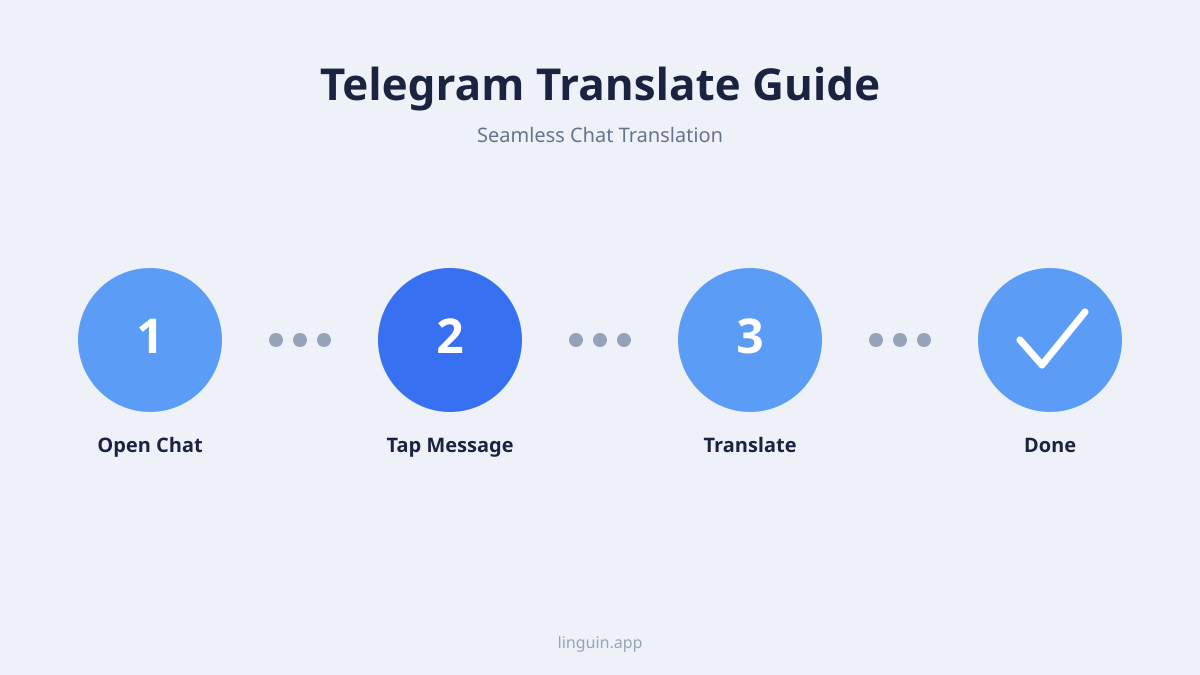
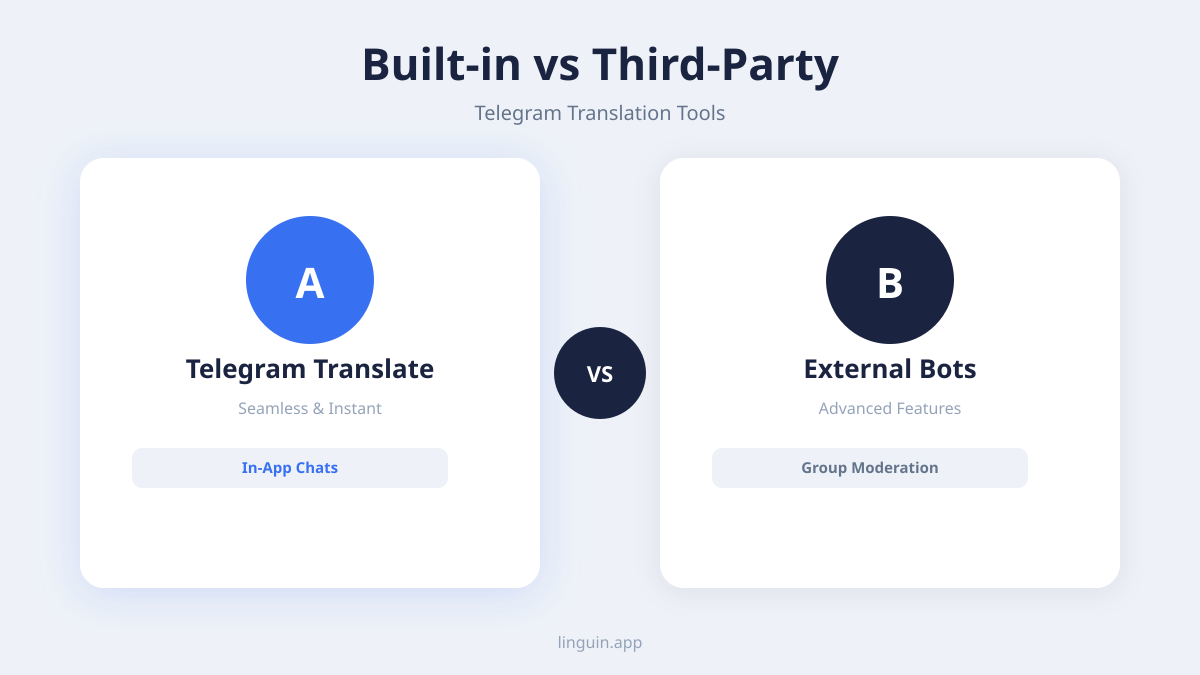
Telegram offers a native translation feature for some users. When available, you can tap on a message in a foreign language, and a “Translate” option will appear. This feature uses a machine translation system to provide an instant, in-line translation of the selected text.
The availability of this feature depends on your app version, device operating system, and region. It may not be enabled for all users or support all language pairs. Typically, it covers major world languages like Spanish, French, German, Arabic, and Chinese. However, for less common languages or specific dialects, the built-in tool might not offer support.
This native function is convenient for quick, occasional translations. It works without leaving the app, which helps maintain the flow of conversation. For basic comprehension of a single message, it can be an effective first step.
The translation is performed automatically by Telegram’s chosen engine. As with any automated system, it may struggle with slang, idioms, or messages that rely heavily on cultural context. The output is often a direct, literal translation, which can sometimes sound unnatural or miss the intended meaning.
Limitations of basic translation tools
While convenient, standard translation tools, including basic implementations, face several challenges that can affect communication on a platform like Telegram. Understanding these limitations helps you know when to seek more advanced solutions.
The first major challenge is context. A single word can have multiple meanings. For example, the English word “bank” could refer to a financial institution or the side of a river. A basic translator might pick the most common translation without understanding the surrounding conversation, leading to confusion. In a fast-moving group chat about a fishing trip, a mistranslation of “bank” could derail the topic.
These tools also often fail to capture tone and formality. Many languages have distinct formal and informal registers. Translating a polite, formal request from Japanese into a casual English phrase might come across as rude or abrupt to the original sender. Similarly, humor, sarcasm, and irony are frequently lost, turning a joke into a nonsensical or even offensive statement.
Another area of difficulty is with new or evolving language. Internet slang, acronyms, and neologisms created within online communities may not exist in a translator’s database. Translating a meme-heavy conversation or tech jargon in a developer group could produce garbled text. For insights on handling modern slang, our article on AI translation for internet slang and neologisms explores this in detail.
Finally, grammatical structures that don’t align between languages can cause errors. Languages with flexible word order, like Russian, or those that omit subjects, like Spanish, might be translated into awkward, grammatically incorrect English sentences. This can make group chats, where multiple people are speaking informally, particularly hard to follow accurately.
Using AI translation extensions for Telegram
A powerful method for Telegram translate is using AI-powered browser extensions. These tools work by integrating directly with your web browser, allowing you to translate text on any webpage, including the Telegram Web interface. They offer significant advantages over basic systems.
These extensions typically support a vast number of languages, often exceeding 100. This is crucial for global Telegram communities discussing niche topics or for connecting with speakers of less common languages. The core benefit is the use of advanced AI models that go beyond word-for-word substitution. They analyze entire sentences and paragraphs to grasp intent, resulting in more natural and readable translations.
Say you’re coordinating a multilingual project on Telegram. A colleague in Brazil writes a detailed message in Portuguese about a timeline delay. With an AI extension, you can highlight the text and get a translation that preserves the professional tone and clearly conveys the new deadlines, allowing you to respond appropriately without miscommunication.
The process is seamless. After installing the extension, you simply highlight the text in a Telegram chat on your desktop, and a translation icon or pop-up appears. Some tools offer one-click translation of entire chat bubbles. This keeps you in the flow of conversation without needing to copy and paste text into a separate website or app.
These AI models are particularly adept at handling the informal and mixed-language nature of chats. They can better interpret code-switching (mixing languages in one sentence) and understand the conversational context from previous messages. For a deeper look at how AI manages mixed languages, read our guide on AI translation for code-switching and mixed languages.
Best practices for accurate message translation
To ensure your translated Telegram conversations are as clear and accurate as possible, follow these practical guidelines. Good practices minimize errors and foster better understanding between all parties.
First, provide context whenever you can. If you are sending a message you know will be translated, avoid ambiguous pronouns and jargon. Instead of “It’s over there,” try “The document is in the shared folder.” When requesting a translation of a complex message, consider summarizing the topic of the conversation for the person helping you or for the AI tool.
Second, keep sentences relatively short and grammatically simple. Long, complex sentences with multiple clauses are harder for any translation system to parse correctly. Break down intricate thoughts into two or three shorter messages. This improves translation accuracy and makes the chat easier to read for everyone.
Third, be aware of cultural references. Jokes, historical references, or local idioms often do not translate directly. You might need to add a brief explanation in parentheses or choose a more universal way to express the idea. This is especially important in large group channels with diverse members. Our article on AI translation for idioms and cultural nuances offers more strategies on this topic.
Fourth, use visual aids. Telegram allows you to send photos, videos, and documents. A screenshot with annotated text, a quick diagram, or a pointing emoji can provide the visual context that words alone might fail to convey after translation.
Finally, verify critical information. For important details like addresses, times, dates, or financial numbers, always double-check the translation. Ask for confirmation from the other party, use a second tool, or spell out numbers to avoid costly misunderstandings in professional or travel planning scenarios.
Real-world scenarios for Telegram translation
Telegram translate is not a niche feature. It enables practical, valuable communication across countless everyday and professional situations. Here are concrete examples of how it is used.
Scenario 1: Multilingual project management. A software development team uses a Telegram group for daily stand-ups. Developers are in Ukraine, designers in Italy, and the project manager in Canada. Messages fly in Ukrainian, Italian, and English. Using real-time translation, every team member can follow the discussion on bug fixes, design changes, and deadlines without waiting for someone to manually translate updates. This keeps the project agile and inclusive. Learn more about this application in our piece on AI translation for multilingual project management.
Scenario 2: Language learning and exchange. A person learning Japanese joins a Telegram channel for casual conversation with native speakers. They can read posts in Japanese, attempt to understand, and then use translation to check their comprehension. When they reply in simple English, the native speakers can translate it to confirm the meaning. This creates an immersive, supportive learning environment that textbooks cannot provide.
Scenario 3: International customer support. A small e-commerce business sells globally and uses a Telegram channel for premium customer support. A customer from Argentina writes in Spanish with a problem about their order. The support agent, who speaks English, uses translation to understand the issue, then replies in English, which the customer translates. This provides quick, low-friction support without requiring a multilingual staff. For scaling this concept, see AI translation for multilingual customer support.
Scenario 4: Following global news channels. Many independent journalists and news outlets operate Telegram channels. A person interested in the political climate in Turkey can subscribe to a Turkish news channel. While they may not speak the language, translation allows them to get firsthand news reports and analyses, offering a perspective often missing from their local media.
Scenario 5: Coordinating travel or events. A group of friends from different countries is planning a reunion in Greece. Their Telegram group chat includes messages in French, German, and Korean as they discuss flight options, Airbnb listings, and activity ideas. Translation ensures no one is left out of the planning process and that all details are clearly understood by everyone.
Choosing the right translation tool for your needs
With several approaches to Telegram translate available, selecting the best one depends on your specific requirements. Consider these factors to make an informed choice.
Language coverage is the primary filter. First, identify all the languages you need. If you only need Spanish or French, Telegram’s native feature (if available) might suffice. However, if your communications include languages like Thai, Swahili, or Finnish, you will need a tool with extensive AI model support for over 100 languages.
Translation quality and context awareness is next. For simple, informational messages, basic tools work. For building relationships, negotiating, or discussing complex topics, you need AI that understands context. Look for tools that advertise context-aware translation or use large language models (LLMs) that process full sentences and conversational history.
Integration and workflow is crucial. Ask yourself how you use Telegram. If you primarily use the mobile app, a desktop browser extension won’t help. Some AI translation services offer mobile apps with copy-paste functionality or share-sheet integration. The ideal tool fits into your existing habit of checking messages without adding cumbersome extra steps.
Cost and privacy are final considerations. Many basic translators are free. Advanced AI tools may have subscription tiers for heavy usage. Review the privacy policy of any tool you use, especially if you translate sensitive business or personal messages. Ensure your data is not stored or used for model training without your consent.
For users who require high-quality, context-sensitive translations across many languages directly within their desktop workflow, Linguin provides an AI-powered solution. It works as a browser extension for Telegram Web and as a macOS application, focusing on delivering natural-sounding translations that preserve the original message’s intent.
Questions people ask
Can I translate an entire Telegram group chat automatically?
Most tools, including browser extensions, translate text on-demand, meaning you select or hover over text to see the translation. Fully automatic, real-time translation of every message in a chat is less common due to screen clutter and privacy considerations. Some dedicated apps may offer this, but the most reliable method is to use an extension and manually trigger translation for the messages you need to read.
Is it possible to translate voice messages or media on Telegram?
Translating voice messages and text within images or videos requires a multi-step process. You would first need a separate tool or feature to transcribe the audio or extract text from the media. Then, you could translate that resulting text. Currently, most mainstream translation tools, including Telegram’s built-in feature, do not offer direct, automatic translation of audio or text within media files.
How accurate are AI translations for informal Telegram chats?
AI translations for informal chats are generally more accurate than older, rule-based systems because they are trained on vast amounts of real-world language data, including casual conversations. They handle slang, abbreviations, and simple grammar mix-ups well. However, accuracy can still drop with heavy use of niche memes, inside jokes, or severe grammatical errors. The output is best used for understanding the core message rather than as a perfect grammatical transcript.
Are translated Telegram messages secure?
Security depends on the tool you use. Telegram’s own end-to-end encryption in Secret Chats protects messages from third parties, but if you use the “Translate” feature, the text may be sent to Telegram’s servers. When using third-party extensions or apps, you must trust their privacy policy. Reputable tools often process translations locally on your device or use secure connections without storing your data. Always check the provider’s security documentation.
Bringing seamless translation to your Telegram chats
Overcoming language barriers on Telegram transforms it from a local messaging app into a truly global communication platform. The key is moving beyond simple, word-for-word translation to using tools that understand context, tone, and the informal nature of chats. Whether for managing a distributed team, learning a language, or staying connected with international friends, accurate translation makes every conversation possible.
To get started, assess your most common translation needs. Identify the languages you encounter and try a method that fits your device, whether it’s exploring Telegram’s native feature or testing a capable AI extension. The next step is to install a tool like Linguin for Chrome, Safari, or macOS to experience context-aware translation directly in your workflow. See how understanding every message clearly can change the way you connect on Telegram and beyond.