
 English
  Español
  Français
  Deutsch
  Português
  Italiano
  Русский
  中文(简体)
  日本語
日本語  한국어
한국어  العربية
  हिन्दी
  Nederlands
  Türkçe
  Polski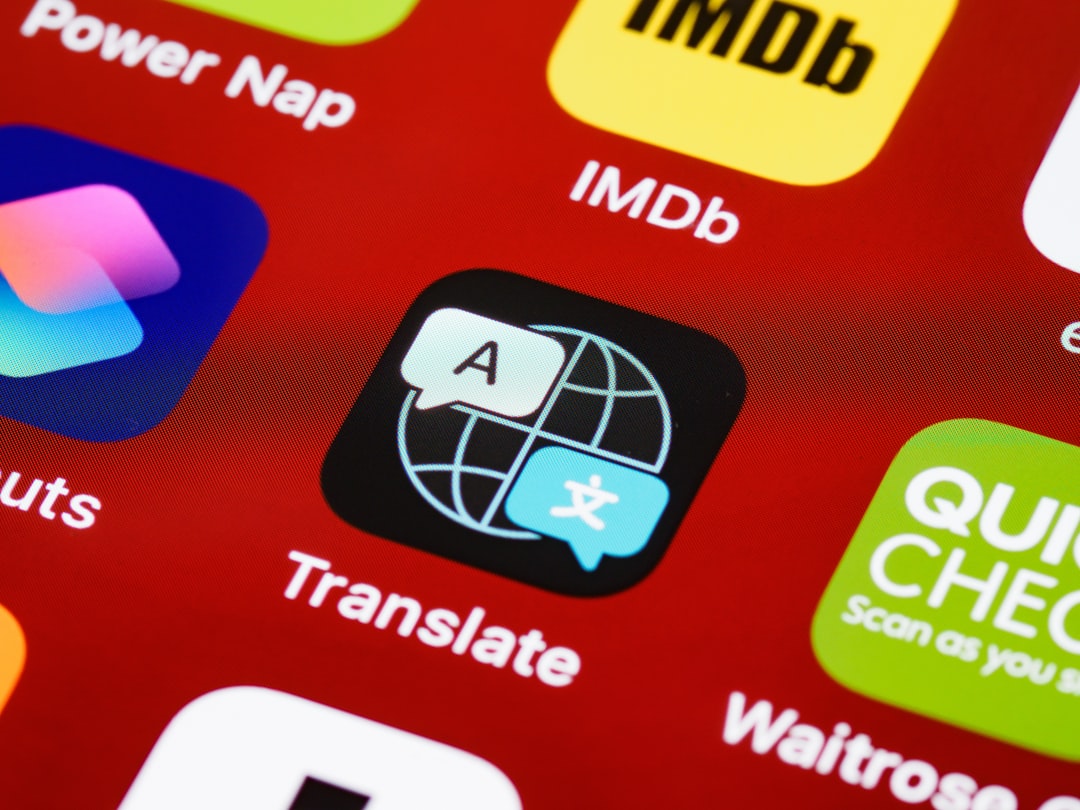
The world is more connected than ever, and for many of us, our iPhone is our portal to that interconnectedness. Whether you’re a globetrotting adventurer, a business professional dealing with international clients, or simply someone who enjoys exploring different cultures through language, having a reliable iPhone translator app is no longer a luxury – it’s a necessity. Gone are the days of fumbling with phrasebooks or relying on awkward, piecemeal translations. Modern smartphone technology has put the power of instant understanding directly into your pocket.
This guide will dive deep into the exciting world of iPhone translator apps, exploring what makes a great one, the essential features to look for, and how to leverage them to break down language barriers. We’ll also touch upon how advanced AI, like that powering Linguin, is revolutionizing the translation experience, making it more accurate, natural, and contextually aware than ever before.
Why You Need an iPhone Translator App
Imagine this: You’re in a bustling market in Tokyo, trying to ask for directions to a hidden ramen shop. Or perhaps you’re in a crucial business meeting in Berlin, and a key point needs to be clarified. Without a translator, these situations can quickly become frustrating and isolating. An iPhone translator app transforms these potential communication roadblocks into smooth sailing.
Beyond travel, these apps are invaluable for everyday life. They can help you understand foreign language websites, translate menus when dining out, connect with friends or family who speak a different language, or even assist in learning a new language by providing real-time translations and examples. The convenience and accessibility they offer are unparalleled.
The evolution of translation technology has been remarkable. Early machine translation was often literal and clunky, producing translations that were grammatically awkward and lacked nuance. However, with advancements in Artificial Intelligence (AI) and Machine Learning (ML), today’s translator apps can understand context, idiomatic expressions, and even the subtle emotions behind spoken words. This leap in quality means you can communicate with greater confidence and accuracy, fostering genuine connection rather than just basic comprehension.
Key Features to Look for in an iPhone Translator App
Not all translator apps are created equal. To make an informed choice, consider these essential features:
Language Support
This is the most fundamental aspect. Does the app support the languages you need? The more languages an app offers, the more versatile it will be. Look for apps that cover not just major global languages but also those less commonly supported by other services. A comprehensive language library ensures you’re covered, no matter your destination or who you’re communicating with.
Offline Translation
This is a game-changer for travelers. When you’re in areas with unreliable or expensive internet access – think remote villages, airplane cabins, or subway systems – offline translation allows you to translate without an internet connection. Most apps require you to download language packs beforehand, so make sure this feature is robust and easy to manage.
Speech Translation (Conversation Mode)
The ability to have a real-time, spoken conversation is where translator apps truly shine. Look for apps that offer a “conversation mode” where you can speak into your phone, have it translated and spoken aloud in the target language, and then have the response translated back to you. This mimics a natural dialogue and is invaluable for interactive communication. The speed and accuracy of the speech recognition and synthesis are crucial here.
Text Translation
This covers translating typed text, which is useful for messages, emails, signs, or any written content. Features like optical character recognition (OCR) that allow you to point your camera at text (like a menu or street sign) and get an instant translation are incredibly handy. The ability to copy and paste text directly into the app is also a must.
Accuracy and Naturalness
This is where AI plays a significant role. A good translator app will go beyond word-for-word translation to understand the context and provide more natural-sounding translations. This means recognizing idioms, cultural nuances, and sentence structure that differs between languages. Apps that use advanced AI models often perform better in this regard.
User Interface and Ease of Use
An intuitive and user-friendly interface is paramount, especially when you’re in a stressful or time-sensitive situation. The app should be easy to navigate, with clear buttons and options for switching languages, selecting modes, and accessing features. A clean design reduces the learning curve and allows you to focus on the communication itself.
Privacy and Security
When translating sensitive conversations or documents, understanding how the app handles your data is important. Check the app’s privacy policy to ensure your information is protected.
Exploring Top iPhone Translator Apps
While there are many options available, a few stand out for their features and performance.
Built-in iOS Translate App
Apple’s native Translate app, available on iOS devices, offers a solid foundation for basic translation needs. It supports a growing list of languages, offers text and voice translation, and even has an offline mode for downloaded languages. Its integration with the iOS ecosystem is seamless, making it a convenient choice for quick translations. The conversation mode is functional, allowing for back-and-forth spoken translation.
Google Translate
Google Translate is arguably the most widely recognized translation app. It boasts an extensive language library, supports text, voice, and image translation (OCR), and offers an offline mode. Its strengths lie in its vast data corpus, which allows for a high degree of accuracy across many language pairs. The live camera translation feature is particularly impressive for deciphering signs and menus on the go.
DeepL Translator
Known for its exceptionally high-quality translations, DeepL leverages advanced neural networks. While it might not have as many languages as Google Translate, the languages it does support are translated with remarkable naturalness and accuracy, often surpassing other services for nuanced text. It offers text and document translation, and its AI is constantly learning.
Microsoft Translator
Microsoft’s offering is another strong contender, providing good language coverage, voice, text, and image translation. It also features a conversation mode that’s designed for group discussions, allowing multiple people to join a translated conversation simultaneously. Offline capabilities are also available.
How Linguin Enhances Your Translation Experience
This is where innovative AI truly makes a difference. While many apps provide translation, Linguin aims to elevate the entire communication experience for macOS, iOS, and browser users. Powered by cutting-edge AI, Linguin goes beyond basic word-for-word conversion to deliver translations that are not only accurate but also contextually appropriate and natural-sounding.
For iPhone users, Linguin’s paid styles are designed to pick up on the nuances of your messages. Whether you’re typing a quick text or dictating with voice input for a faster back-and-forth, choosing a style like Casual or Formal gets you output that better matches the tone you’re going for than a single, generic translation would.

One of the key advantages of advanced AI in translation is its ability to handle complex sentences, idiomatic expressions, and even slang more effectively. This means fewer awkward misinterpretations and more genuine connections. Linguin strives to capture the spirit of your communication, not just its literal meaning.
Furthermore, Linguin’s integration across multiple platforms means you can have a consistent and high-quality translation experience whether you’re on your iPhone, Mac, or browsing the web. Imagine seamlessly translating an email on your Mac and then continuing the conversation on your iPhone – Linguin can be your trusted companion throughout your multilingual interactions. For iOS users, this means having a powerful translation tool that feels like a natural extension of your device, powered by AI that understands how you communicate.
Tips for Maximizing Your iPhone Translator App
To get the most out of your chosen translator app, keep these tips in mind:
Speak Clearly and Slowly
When using voice translation, enunciate your words clearly and speak at a moderate pace. Avoid mumbling or speaking too quickly, as this can lead to misinterpretation by the speech recognition software.
Use Simple Sentence Structures
While advanced AI is improving, sticking to clear and concise sentences generally yields better results. Avoid overly complex grammar or long, convoluted sentences, especially when translating spoken conversations.
Be Aware of Context
While apps are getting smarter, context is still king. If a translation seems a bit off, try rephrasing your sentence or providing additional context. For example, if you’re asking about “chips” in the US, the app might translate it as potato chips, but in the UK, it might mean fries. Specifying “crisps” or “French fries” can prevent confusion.
Utilize Offline Mode When Possible
For frequent travelers, downloading language packs for offline use is essential. This ensures you always have translation capabilities, even without Wi-Fi or cellular data.
Test and Compare
Don’t be afraid to try out different apps or compare translations from various sources for critical communications. Different AI models may perform better for specific language pairs or types of content. Linguin, with its focus on advanced AI, is a great option to integrate for consistently high-quality translations.
Keep Your App Updated
Developers are constantly improving their translation algorithms and adding new features. Ensure your translator app is always updated to the latest version to benefit from these enhancements.
Learn Basic Phrases
While translator apps are incredibly useful, learning a few basic phrases in the local language can go a long way in showing respect and making connections with people. Apps can supplement your learning, not entirely replace the joy of knowing a few words.
The Future of iPhone Translation
The trajectory of iPhone translator apps is undeniably exciting. With ongoing advancements in AI, we can expect even more sophisticated features. Imagine real-time, seamless translation during video calls, or AI that can detect and translate subtle tones and emotions in speech. The goal is to make cross-cultural communication as natural and effortless as speaking your native tongue.
Apps like Linguin, with their commitment to leveraging the latest AI, are at the forefront of this evolution. By continuously refining their models, they are working towards a future where language barriers become a relic of the past, allowing for deeper understanding and connection across the globe, all accessible from the palm of your hand on your iPhone.
In conclusion, an iPhone translator app is an indispensable tool for anyone navigating our increasingly globalized world. By understanding the features to look for and employing smart usage tips, you can unlock a world of communication possibilities. Whether you choose a built-in option, a popular service, or an AI-driven solution like Linguin, the power to connect is now at your fingertips.
-vs-translator.png)