English
  Español
  Français
  Deutsch
  Português
  Italiano
  Русский
  中文(简体)
  日本語
日本語  한국어
한국어  العربية
  हिन्दी
  Nederlands
  Türkçe
  Polski
Choosing the right English to Hindi translation app can transform how you connect and work with over 600 million Hindi speakers. The best tools go beyond basic word substitution to deliver translations that feel natural and respect cultural context. This guide will help you understand what to look for in a Hindi translation app, from core features to real-world use cases, and how modern AI-powered options can meet your needs.
Key takeaways
- A quality English to Hindi translation app must handle context, cultural nuance, and the language’s grammatical structure for accurate results.
- AI-powered models produce more natural and conversational translations compared to older statistical or rule-based engines.
- The best apps offer flexibility across devices, including desktop apps, mobile versions, and browser extensions for real-time translation.
- Consider your specific use case, such as business communication, travel, or content creation, when selecting a tool.
What makes Hindi translation challenging?
Hindi is a major world language with a rich history and complex structure. Translating from English to Hindi involves more than swapping words from one dictionary to another. The languages have different grammatical foundations. English follows a subject-verb-object order, while Hindi typically uses a subject-object-verb structure. This requires the translation engine to fundamentally rearrange sentence components.
Another challenge is formality and respect. Hindi uses different pronouns and verb forms to indicate the relationship between speakers. A translation for a business email to a senior executive must use a different level of formality than a text message to a close friend. An app that ignores these distinctions can produce translations that sound rude, overly familiar, or simply awkward.
Vocabulary and context present further hurdles. Hindi has a vast number of synonyms and words borrowed from Sanskrit, Persian, and Arabic, each carrying subtle connotations. The correct word choice depends entirely on the context. For example, the English word “light” could translate to “roshni” (light as in illumination), “halka” (light as in weight), or “aag” (to light a fire). A capable translator must accurately discern the intended meaning from the surrounding text.
Cultural references and idioms are rarely directly translatable. A phrase like “it’s raining cats and dogs” would confuse a Hindi speaker if translated literally. A proficient app should recognize this as an idiom and provide the culturally equivalent Hindi expression, “musaldhaar baarish ho rahi hai,” which means it is pouring rain. This level of understanding is what separates basic tools from advanced, AI-driven solutions designed for real communication.
The evolution from basic tools to AI-powered translation
Early digital translation tools relied on rule-based systems. Programmers manually coded grammatical rules and large bilingual dictionaries. These systems could handle simple, predictable sentences but often failed with complex grammar, idioms, or any form of ambiguity. Their output was frequently stilted and unnatural, leading to the classic “robot translation” stereotype.
The next major shift came with statistical machine translation. This approach used massive databases of existing human translations to calculate the statistical probability that a phrase in one language corresponded to a phrase in another. While an improvement, these systems still struggled with context. They would translate sentences word-by-word or phrase-by-phrase, sometimes resulting in incoherent paragraphs where the overall meaning was lost between individual, statistically probable fragments.
Modern AI-powered translation represents a fundamental leap forward. Instead of just matching phrases, these systems use neural networks to understand the entire context of a sentence or paragraph before generating a translation. They learn patterns from millions of text examples, developing a model of how ideas are expressed in each language. This allows them to handle nuances like tone, formality, and cultural references more effectively.
For English to Hindi, this AI approach is particularly valuable. It can better navigate Hindi’s gendered nouns, case markers, and verb conjugations in relation to the subject’s gender and number. It can also learn to recognize when a sentence is a question, a command, or a polite request, and adjust the translation output accordingly. The result is text that reads as if it were originally written in Hindi by a human, not mechanically converted from English.
The underlying technology continues to advance. Some of the latest models can even account for mixed-language input, where a sentence contains words from both English and Hindi, a common phenomenon in casual digital communication in India. This capability, known as code-switching, is explored in our article on AI translation for mixed languages.
Key features to look for in a Hindi translation app
When evaluating an English to Hindi translation app, several features directly impact the quality and usefulness of the output. Prioritizing these will help you find a tool that works for your specific needs.
Contextual understanding and AI models. The most critical feature is the engine’s ability to understand context. Look for apps that advertise the use of large language models or neural machine translation. These systems analyze entire sentences or paragraphs, not just individual words. This allows them to resolve ambiguities. For instance, they can determine whether “bank” refers to a financial institution or the side of a river based on the surrounding text, and choose the correct Hindi word (“bank” or “kinara”) accordingly.
Support for formal and informal tones. A versatile app should let you specify the desired tone. Translating a legal contract requires formal, precise language. Writing a friendly social media comment calls for a casual, conversational style. Some advanced apps offer selectable styles. For example, according to Linguin Blog, their Premium tier includes four AI-powered translation styles: Formal, Casual, Creative, and Technical. This level of control ensures your translated message carries the intended weight and relationship.
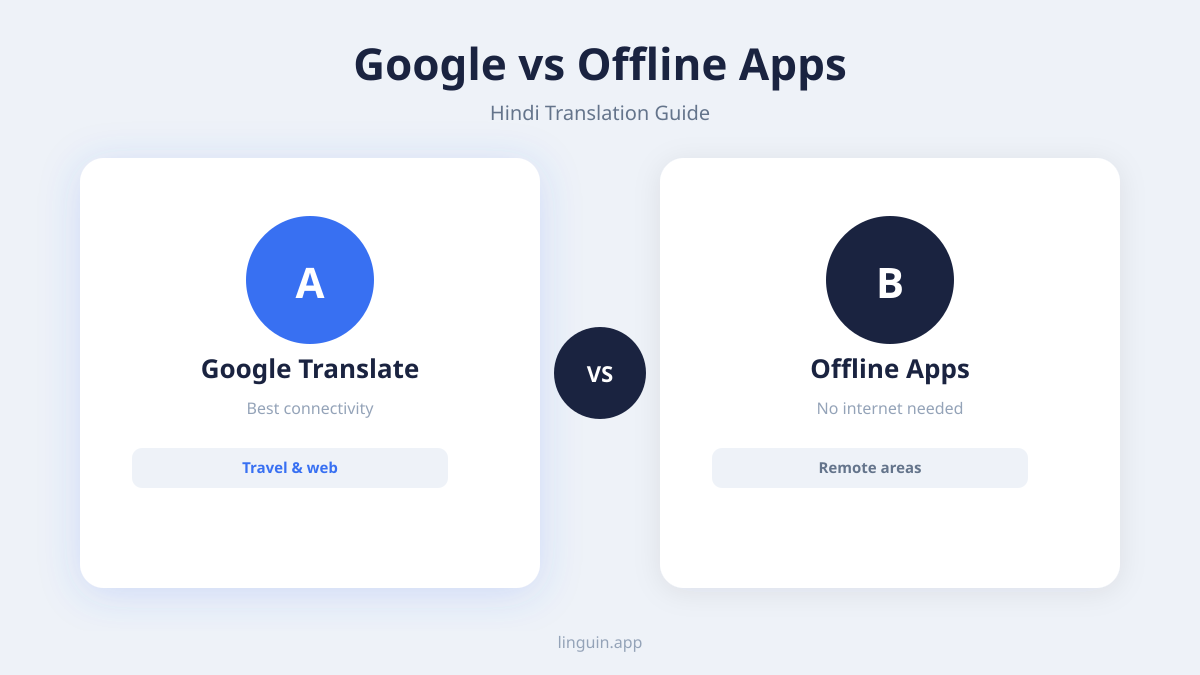
Offline functionality. While internet connectivity is widespread, it is not guaranteed. If you travel to areas with poor service or wish to save on mobile data, an app with offline translation capabilities is essential. This feature downloads a compact version of the translation model to your device, allowing you to translate text without an active internet connection. It is particularly useful for travelers who may need quick translations for directions, menus, or basic conversations on the go.
Real-time translation modes. Beyond translating typed text, consider how the app handles spoken and visual language.
- Voice translation: This allows you to speak into your device’s microphone and receive a spoken or text translation in near real-time. It is ideal for face-to-face conversations.
- Camera translation: Point your phone’s camera at text, such as a street sign, menu, or document, and the app will overlay the translation on your screen. This is invaluable for navigating in a Hindi-speaking environment.
- Browser integration: According to Linguin, their Chrome extension can translate entire web pages with one click. This feature lets you read Hindi news sites, forums, or product pages directly in your browser, seamlessly converting the content to English as you browse.
Platform availability and workflow integration. The best translation tool is one you can use wherever you work. Check if the app is available on all your devices: as a mobile app for iOS and Android, a desktop application for macOS or Windows, and as a browser extension for Chrome or Safari. This ensures you can translate text from any source, whether it is an email on your computer, a PDF on your tablet, or a message notification on your phone, without switching between different tools.
Real-world use cases for an English to Hindi translator
Understanding the features is one thing. Seeing how they apply to everyday situations clarifies the value of a capable translation app. Here are concrete scenarios where the right tool makes a significant difference.
Scenario 1: Collaborating with remote teams in India. Imagine you are a project manager for a software company with a development team in Bangalore. Daily communication involves Slack messages, project management tickets, and code review comments. A basic translator might turn “Can you push the latest build?” into a grammatically correct but oddly formal Hindi request. An AI-powered app, using a Casual or Technical style, would produce a translation that matches the informal, precise tone of tech team communication. It would correctly handle mixed-language sentences that include English technical terms like “build,” “commit,” or “server,” ensuring clarity and saving time. For more on managing multilingual projects, see our guide to AI translation for multilingual project management.
Scenario 2: Engaging customers on social media. Your business wants to connect with Hindi-speaking customers on platforms like Instagram or X. You need to translate marketing captions, respond to comments, and understand customer feedback. Marketing language often uses idioms, humor, and calls to action that are culturally specific. Translating “Don’t miss out on this game-changing offer!” requires the app to recognize “game-changing” as a hyperbolic sales term and find a culturally resonant equivalent in Hindi that conveys excitement, not a literal change to a game. A translator with a Creative style would be designed for this exact purpose, adapting the message’s emotional intent rather than providing a word-for-word conversion. Learn about the nuances in our article on AI translation for cultural context in marketing.
Scenario 3: Academic research or content creation. A student or writer is researching a topic with key sources available only in Hindi. They need to translate academic papers, historical documents, or literary articles. This demands high accuracy and the preservation of formal tone and complex ideas. The translator must correctly handle domain-specific terminology and long, compound sentences common in academic writing. An app that allows for longer text inputs and offers a Formal translation style would be crucial here. The ability to translate entire web pages via a browser extension would also let the researcher quickly survey multiple Hindi-language websites to find relevant material.
Scenario 4: Personal travel and connection. You are planning a trip to Rajasthan or wanting to communicate with family members who are more comfortable in Hindi. You need to translate conversations in real time, read street signs, and understand restaurant menus. Here, offline functionality and camera translation become vital. You could point your phone at a street sign to get your bearings, use voice translation to ask a shopkeeper for help, or type out a message to a new friend. The app needs to deliver quick, conversational translations that facilitate genuine interaction, not just transactional exchanges.
How Linguin approaches English to Hindi translation
Linguin is an AI-powered translation app built to address the specific challenges of modern translation. It supports English to Hindi translation as part of its extensive language offerings. The app is designed to work across platforms, including macOS, iOS, and as a Chrome and Safari extension, providing a consistent translation experience wherever you need it.
For users starting out, Linguin provides a free tier. This allows for up to 500 characters per translation and 20 translations per day, which is sufficient for occasional use like translating short messages, emails, or social media posts. In this free Standard tier, the translations are powered by a reliable, established engine, which according to the Linguin Blog is Google Translate. This provides a solid baseline for general translation tasks.
Where Linguin seeks to provide added value is through its AI-powered Premium styles. For users who need more nuanced control, Premium unlocks these advanced models. According to Linguin Blog, these include Formal, Casual, Creative, and Technical styles. This means you can tailor the Hindi output to match the context, whether you are drafting a business proposal, chatting with a friend, writing an advertisement, or explaining a complex technical process. Premium also removes the character limit, allowing for the translation of long documents, articles, or reports in one go.
The scope of language support is notable. The main Linguin website states support for 100+ languages. A separate listing on the App Store for the iOS app version 2.0 reports support for over 130 languages. This wide coverage makes it a practical tool for multilingual projects or individuals who work with several languages beyond just English and Hindi.
Accessibility is a key part of the design. The one-click webpage translation via its browser extensions exemplifies this, making foreign-language content immediately accessible. For users who find this level of functionality essential, according to Linguin, Linguin Premium is available for a one-time lifetime payment. This model provides unlimited access to the AI styles and features without a recurring subscription.
english to hindi translation app FAQ
What is the most accurate English to Hindi translator app?
Accuracy depends on context. For simple, literal sentences, many free apps are adequate. For conversations, business documents, or content that requires cultural nuance, apps using modern AI and neural networks tend to be more accurate. Look for apps that offer different translation styles, as the ability to switch between formal and casual tones is a strong indicator of a system designed for contextual accuracy, not just vocabulary matching.
Can I translate a Hindi voice message to English?
Yes, many advanced translation apps include a voice input feature. You can play the Hindi voice message near your device’s microphone, and the app will transcribe and translate the speech into English text. Some apps also offer a conversation mode, where you can speak in English, have it translated and spoken aloud in Hindi, and then listen to the Hindi reply and translate it back to English, facilitating a two-way spoken conversation.
How do I translate an entire Hindi website to English?
The easiest method is to use a dedicated browser extension for translation. These extensions, like the one offered by Linguin, typically add a button to your browser toolbar. When you navigate to a Hindi website, you click the button to translate the entire page’s text into English automatically. This happens locally in your browser, allowing you to read the site in English while maintaining the original layout and images.
Is it safe to use a translation app for sensitive documents?
You must review the privacy policy of any translation app before submitting sensitive text. Reputable apps will detail how your data is processed. Some services translate text entirely on your device, meaning your data never leaves your computer or phone, which offers the highest privacy. Cloud-based services may process text on their servers. For highly confidential information, using an app with a strong on-device processing guarantee or anonymizing the text before translation are prudent steps.
Getting started with your translation journey
Selecting an English to Hindi translation app ultimately comes down to matching the tool’s capabilities with your specific needs. If your requirements are occasional and for simple phrases, a free app with basic functionality may suffice. However, for professional use, frequent communication, or creative work, investing in an app with advanced AI models and tone control will provide significantly better results. The right app acts as a bridge, not just a dictionary, enabling clearer and more effective cross-cultural communication.
The next step is to test how an app handles your real-world translation tasks. Try translating the same sentence or short paragraph in different contexts, such as a formal greeting and a casual remark, to see if the output changes appropriately. Explore whether the app integrates smoothly into your daily workflow, be it on your desktop, phone, or within your web browser.
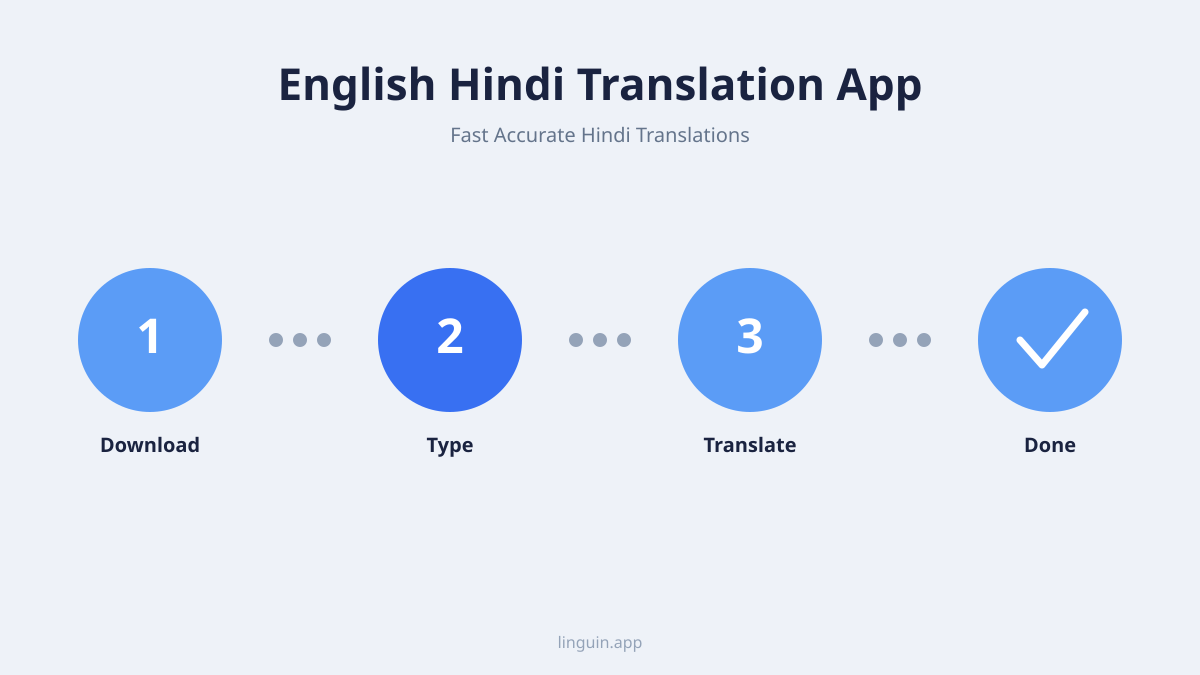
Linguin offers a way to experience both standard and AI-powered translation styles. You can start with the free tier for essential translations and explore the potential of context-aware AI for your Hindi communication needs. To see how it works on your computer, you can download Linguin for Mac and test it with your own text.
-vs-translator.png)