 English
  Español
  Français
  Deutsch
  Português
  Italiano
  Русский
  中文(简体)
  日本語
日本語  한국어
한국어  العربية
  हिन्दी
  Nederlands
  Türkçe
  Polski
Choosing the right Chrome translator extension can define your experience with foreign language content. For professionals, students, and curious minds browsing the global web, a good translator is a fundamental tool. This guide provides a detailed comparison of the leading options, helping you select the extension that best fits your needs for accuracy, speed, and functionality.
Key takeaways
- The best extensions use context-aware AI models that understand idioms and cultural references, not just word-for-word substitution.
- Privacy policies vary widely; some extensions send all your translated text to remote servers for processing.
- An ideal tool offers multiple translation modes: full page, paragraph, pop-up for selected text, and sometimes inline replacement.
- Offline capability is rare but valuable for translating sensitive documents or working without an internet connection.
- The user interface should be intuitive and non-disruptive, integrating seamlessly into your existing browser workflow.
What makes a great Chrome translator extension?
A great Chrome translator extension does more than convert words from one language to another. It acts as an intelligent layer over the web, removing language barriers without interrupting your workflow. The core of any modern translator is its engine. While older systems used statistical machine translation, the best tools now leverage neural machine translation (NMT) and advanced AI models. These systems analyze entire sentences for context, leading to more natural and grammatically correct outputs.
Beyond the core engine, several key features define a top-tier extension. Accuracy is paramount, but it must be balanced with speed. No one wants to wait several seconds for a paragraph to translate. The extension should offer multiple interaction methods: translating the entire page with one click, translating selected text via a pop-up bubble, or even replacing text inline on the page. Customization is also important, allowing you to set default languages, toggle translation prompts, and adjust the display of translated text.
Privacy is a critical, often overlooked factor. You must understand where your data goes. When you translate a confidential email draft or a sensitive document, is that text sent to a third-party server? A transparent privacy policy that details data handling is a sign of a trustworthy developer. Finally, the extension should be lightweight. It should not noticeably slow down your browser or consume excessive memory, ensuring a smooth browsing experience even with dozens of tabs open.
Comparing translation accuracy and language support
Accuracy is the primary metric for any translation tool. It determines whether a translated contract maintains its legal meaning or if a translated news article remains factually coherent. Accuracy in AI translation is not a single number but a spectrum influenced by language pair, content complexity, and the translation model used.
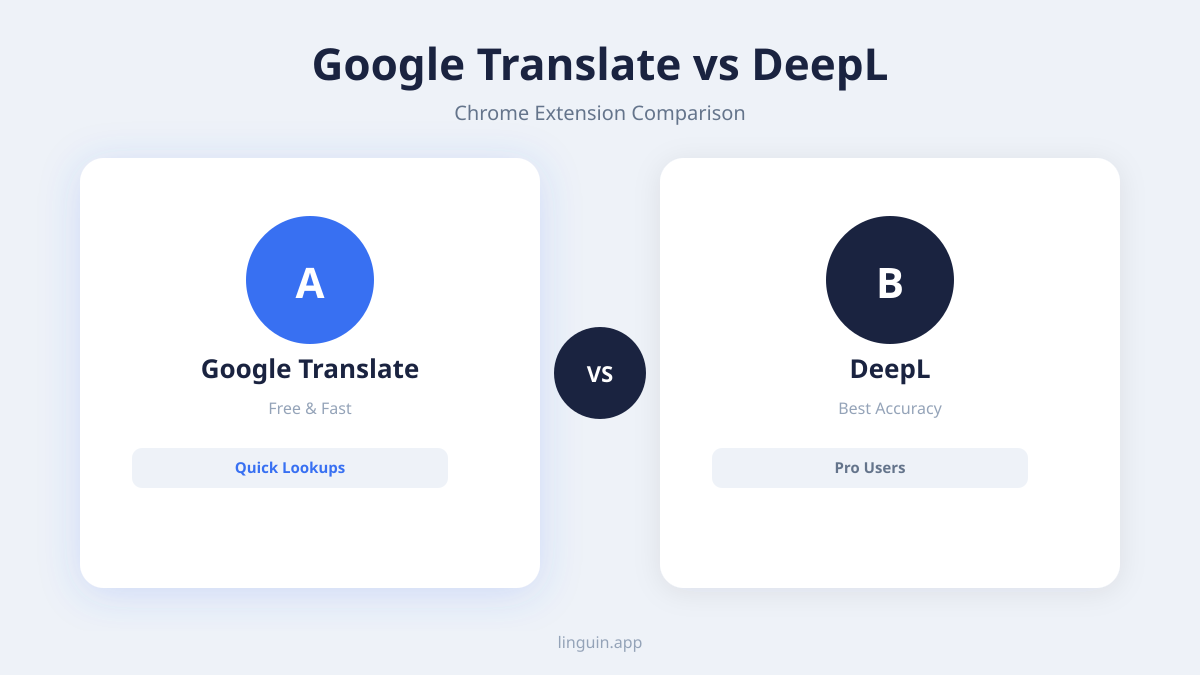
Most popular extensions rely on large, established engines like Google Translate or Microsoft Translator. These offer broad language support, often covering 100+ languages, which is excellent for accessing rare dialects. However, for major language pairs like English-Spanish or English-Chinese, newer AI-powered specialists like DeepL have gained recognition for producing more nuanced translations. They often better handle formal tone, idioms, and industry-specific jargon. When comparing, test the same complex paragraph across different extensions. Look for which one produces the most readable, context-appropriate result, not just a grammatically correct one.
The type of content matters greatly. Technical manuals, academic papers, and creative writing each pose unique challenges. Some engines are trained on vast datasets of legal and technical documents, making them more reliable for professional use. Others might excel with conversational, social media-style text. For instance, if you frequently research scientific papers in German, you need an extension whose engine is strong in formal, technical German-to-English translation. A tool great for translating Korean pop culture forums might struggle with that same task.
For a deeper dive into how modern systems achieve this accuracy, you can read our analysis on AI translation accuracy.
Key features and user experience breakdown
Features transform a basic translation engine into a powerful productivity tool. The user experience encompasses how you initiate a translation, how the results are displayed, and how well the tool integrates into your daily browsing.
The first major feature is the translation trigger. The most common method is the automatic prompt that appears when you visit a page in a foreign language, asking if you’d like to translate it. This is convenient but can become annoying. The best extensions let you fine-tune this, allowing auto-translation for specific sites or languages while disabling it for others. The second method is manual selection: you highlight text, and a small icon appears, letting you translate that snippet in a pop-up. This is essential for translating just a crucial paragraph in an otherwise understandable page.
Display modes are equally important. Full-page translation reloads the page with all text replaced. Inline translation can subtly replace text on the original page, maintaining the site’s layout. A pop-up dictionary or translation bubble that appears on hover is less intrusive and ideal for quick look-ups. For example, say you’re shopping on an Italian e-commerce site. A full-page translation helps you navigate the entire store, but when checking specific product details, a pop-up translation for technical terms might be more precise without losing the page’s visual context.
Additional features separate good extensions from great ones:
- Text-to-speech (TTS): Hear the pronunciation of the original or translated text.
- Dictionary lookup: Get detailed definitions and synonyms for a single word.
- Phrasebook: Save frequently used translations for quick access.
- Customization: Change the appearance of translation pop-ups, set keyboard shortcuts, and manage language preferences.
- Offline mode: A rare feature that allows basic translation without an internet connection, crucial for privacy or travel.
A cluttered interface with too many buttons can hinder more than it helps. The best UX is intuitive, minimalist, and puts the power of translation at your fingertips without requiring constant configuration.
Privacy, security, and data handling policies
When you install a browser extension, you often grant it permission to “read and change all your data on the websites you visit.” For a translator extension, this is necessary to function, but it makes understanding its privacy policy essential. You are entrusting the tool with everything you read online, from personal emails to financial reports.
The central question is: where does your text get translated? Most free extensions send the text you select or the page URL to the developer’s servers or to a third-party API like Google’s. This means your data leaves your machine. You should look for a clear privacy policy that states what data is collected, how it is used, how long it is stored, and if it is shared with advertisers or other third parties. Some reputable extensions process translations locally on your device, which is the gold standard for privacy but is technically challenging and less common.
Security is about how this data is protected in transit and at rest. Data should be encrypted during transmission (using HTTPS/TLS). The policy should also outline data retention practices. Does the service keep a log of your translations to improve its AI? If so, can you opt out? For professionals in law, healthcare, or journalism, using an extension that stores translation history on remote servers could pose a confidentiality risk.
Consider this scenario: you are a consultant reviewing a draft merger document from a Japanese firm. Using a translator that sends every paragraph to an external cloud service creates a data trail. For such sensitive work, prioritizing an extension with a strong, transparent privacy policy or offline capability is not just convenient, it is a professional necessity. Always review the extension’s privacy details on the Chrome Web Store before installing.
For tools that prioritize user privacy, explore our guide to the best translation Chrome extension.
Performance and browser impact
A translator extension should be an assistant, not a burden. Performance encompasses translation speed, resource usage (CPU and memory), and overall browser stability. A slow extension can make browsing a chore, especially on sites with dynamic content.
Translation speed depends on several factors. For cloud-based extensions, speed is tied to your internet connection and the latency of the remote translation server. Translating a full, complex webpage can take several seconds. Extensions that offer real-time, word-by-word translation as you hover might feel faster but can use more resources. The best extensions feel instantaneous for small text selections and only take a perceptible moment for full pages.
The impact on your browser’s memory and CPU is crucial for users who keep many tabs open. A poorly coded extension can cause memory leaks, gradually slowing down your browser over time. You can check this in Chrome’s task manager (Shift + Esc). A good extension will have a minimal footprint, adding perhaps 50-100 MB of memory usage, not hundreds. It should also be efficient in how it injects translation panels and pop-ups into web pages, avoiding conflicts with the site’s own scripts that could cause errors or crashes.
Reliability is part of performance. The extension should work consistently across different website architectures, including single-page applications (like Gmail or Facebook), complex web apps, and simple static pages. It should not break website functionality or prevent buttons from working. Before committing to an extension, test it on the types of sites you use most: webmail, cloud document editors, research databases, and social media. An extension that works flawlessly on Wikipedia but fails on your project management software is not a complete solution.
Cost and value: free vs. premium extensions
The Chrome Web Store is filled with free translator extensions, but “free” often comes with trade-offs. Understanding the value proposition of free versus premium (freemium or paid) models helps you make an informed choice based on your needs.
Free extensions are typically supported by one of two models. The first is data collection, where your translation queries are used to improve the service or may be anonymized for broader AI training. The second is feature limitation, where basic translation is free, but advanced features like offline translation, higher volume limits, removal of ads, or access to premium AI models are locked behind a subscription. These free tiers are perfect for casual users who need occasional translations without specific requirements for privacy or advanced functionality.
Premium extensions or premium tiers within freemium models offer tangible upgrades. These often include:
- Ad-free experience: No sponsored suggestions or banners.
- Higher usage limits: Unlimited translations or large document processing.
- Advanced AI models: Access to more powerful, context-aware translation engines.
- Priority processing: Faster translation speeds.
- Enhanced privacy: Options for local processing or stricter data handling guarantees.
- Dedicated support: Direct help for any issues.
The value question is personal. For a student translating articles for a research paper, a robust free extension may suffice. For a business professional who translates sensitive client communications daily, a paid subscription for greater accuracy, productivity features, and peace of mind regarding data security is a worthwhile investment. It’s akin to choosing between a basic dictionary and a professional, specialized terminology database. Assess your weekly translation volume, the sensitivity of the content, and which premium features would genuinely save you time or reduce risk.
Integration with other tools and workflows
The most useful productivity tools do not exist in isolation. A top-tier Chrome translator extension should connect with your other applications and workflows, creating a seamless language bridge across your digital environment.
The most basic integration is with the browser itself. Does the extension work in Incognito mode? Can you easily disable it for specific sites? More advanced integration involves connecting with cloud storage and productivity suites. Some extensions offer direct integration, allowing you to translate documents in Google Drive, Dropbox, or OneDrive without downloading them first. For example, you could right-click on a PDF in your Google Drive and select “Translate with [Extension]” to get a translated version generated in seconds.
For knowledge workers, integration with note-taking apps like Notion or Evernote can be powerful. Imagine clipping a paragraph from a Spanish news site and having it automatically translated and formatted as you save it to your research notes. Some extensions also offer API access for developers, enabling businesses to build custom translation workflows into their own internal tools or customer-facing platforms.
Another key integration is with language learning tools. If you are using an app like Duolingo or Babbel, a translator extension that allows you to save words to a personal phrasebook can complement your studies. You can quickly look up unfamiliar words while browsing and export that list for review later. This turns passive web browsing into an active learning opportunity. The ideal extension acts as a hub, not just a point solution, fitting into and enhancing how you already work and learn online.
For a look at how translation tools fit into a broader productivity ecosystem, check out our list of best Mac productivity apps.
Frequently asked questions
Are Chrome translator extensions safe to use?
Safety depends on the specific extension. Only install extensions from reputable developers with many users and positive reviews on the official Chrome Web Store. Always read the permissions it requests and review its privacy policy to understand how your data is handled. Extensions from well-known, established companies in the translation space generally have more robust security and privacy practices.
Can I use a translator extension offline?
Most Chrome translator extensions require an active internet connection because they send text to cloud servers for processing. True offline translation, where the AI model runs locally on your computer, is rare due to the large size of the models. However, a few extensions offer limited offline functionality for basic phrase translation, often as a premium feature.
What is the most accurate translator extension?
Accuracy varies by language pair and content type. Extensions powered by DeepL’s engine are often noted for high accuracy in European languages, while Google Translate offers very broad language support and constant improvements. For the most natural-sounding, context-aware translations, look for extensions that specifically advertise using advanced, modern AI models beyond basic neural machine translation.
Do translator extensions work on all websites?
Most extensions work on the majority of websites, but some complex web applications, sites with heavy anti-bot scripting, or pages with unusual formatting can cause issues. The best extensions are regularly updated to maintain compatibility with modern web standards and popular web apps.
How do I choose between a standalone translator app and a browser extension?
A browser extension is ideal for translating content directly within your web browser, which covers a vast amount of daily reading and research. A standalone desktop or mobile app, like Linguin for Mac, is better suited for translating documents, emails, and conversations outside the browser, and often offers more powerful features and better privacy controls. For comprehensive coverage, many users benefit from using both types of tools.
Finding your ideal translation partner
Selecting the right Chrome translator extension ultimately comes down to aligning the tool’s capabilities with your specific needs. The core considerations are accuracy for your target languages, a respectful and transparent privacy policy, and an interface that integrates smoothly into your browsing habits. Whether you prioritize the broadest language support, the most nuanced AI output, or the strongest data protections, there is an extension designed for that purpose.
The next step is to test them. Install one or two top contenders from this comparison. Use them side-by-side for a week on your actual daily tasks: reading news, shopping on international sites, or researching for work. Pay attention to which one feels effortless and delivers reliable, understandable results. The best tool will become an invisible bridge, allowing you to access the world’s information without friction. For those seeking a powerful, AI-driven translation experience that extends beyond the browser, explore what Linguin offers as a dedicated desktop and mobile application for a more holistic approach to breaking down language barriers.