
 English
  Español
  Français
  Deutsch
  Português
  Italiano
  Русский
  中文(简体)
  日本語
日本語  한국어
한국어  العربية
  हिन्दी
  Nederlands
  Türkçe
  Polski
Navigating a foreign country, connecting with international colleagues, or simply exploring content in another language can be incredibly rewarding. But let’s face it, language barriers can often feel like insurmountable walls. Fortunately, the advent of sophisticated translation technology has put a powerful interpreter right in your pocket. For iOS users, this means having access to a suite of translation apps that can instantly bridge linguistic divides. This guide will walk you through the exciting world of iOS translation, highlighting how you can leverage these tools to their fullest, and how an app like Linguin can enhance your mobile translation experience.
Understanding the Power of iOS Translation
The evolution of translation apps has been nothing short of remarkable. Gone are the days of clunky, inaccurate, word-for-word translations that often led to more confusion than clarity. Modern iOS translation apps, powered by advanced AI and machine learning, offer a nuanced understanding of context, idiom, and even slang. Apple’s own Translate app can process spoken words, written text, and even images through your camera, and a number of dedicated apps offer similar breadth. Whether you’re ordering a coffee in Rome, asking for directions in Tokyo, or deciphering a menu in Paris, an effective translation app can make all the difference.
These apps work by leveraging vast datasets of translated text and sophisticated algorithms to predict the most accurate and natural-sounding translation for a given phrase or sentence. From understanding the grammatical structures of different languages to recognizing cultural nuances, the goal is to provide a translation that feels less like a robotic conversion and more like a genuine attempt at communication.
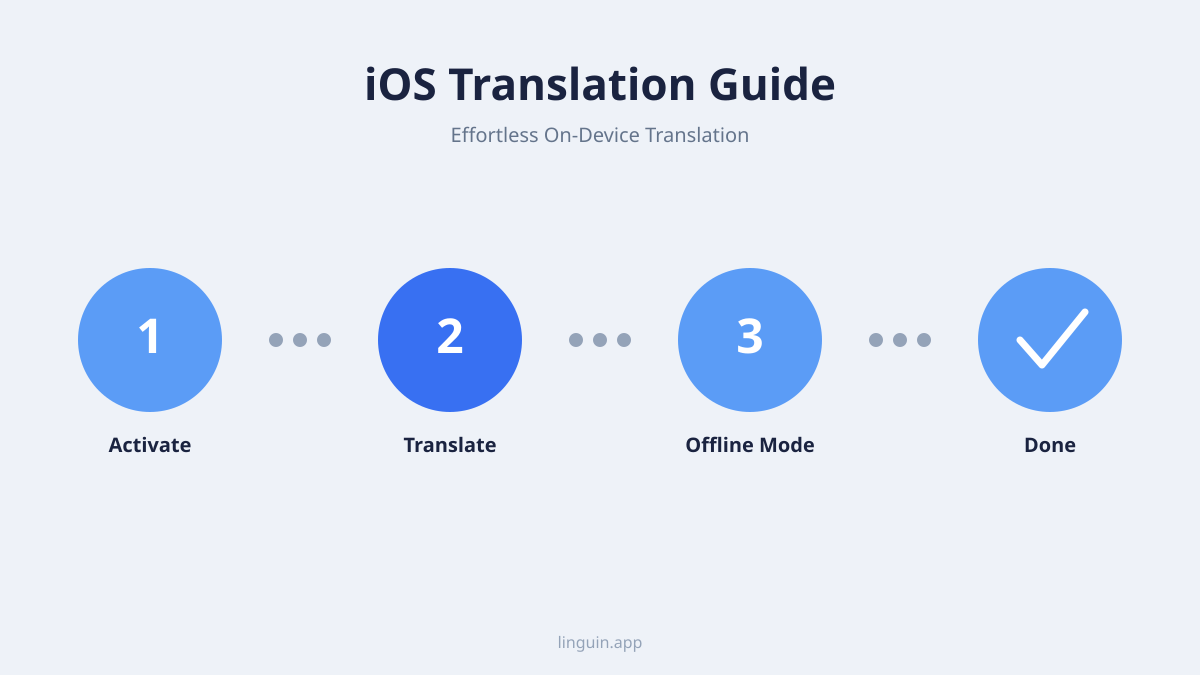
The core functionality across the category of iOS translation apps generally revolves around a few key areas: text translation, voice translation, and, in some apps, camera-based image translation. Text translation is the most straightforward, allowing you to type or paste text and receive an instant translation. Voice translation takes this a step further, enabling you to speak into your device and hear or read the translated result. Some apps, most notably Apple’s own Translate app, also offer camera-based translation, letting you point your phone at a sign or menu and see the translation overlaid on the image. Linguin is not one of those apps: it focuses on text and dictated speech rather than the camera.
Essential Features to Look for in an iOS Translation App
When choosing an iOS translation app, several features can significantly enhance your experience and utility. The first and foremost is the breadth of languages supported. Think about the regions you’re likely to visit or the people you’re most likely to interact with.
Another feature some apps offer is offline translation, downloading language packs so you can translate without an internet connection. This is particularly useful when traveling in areas with unreliable Wi-Fi. Apple’s built-in Translate app supports this for a solid range of major languages. Linguin does not: every translation, free or paid, requires an internet connection, since the text is processed on a server rather than on your device.
Camera translation is incredibly useful for deciphering signs, menus, product labels, and handwritten notes when it’s available. Apple’s Translate app and Google Translate both offer this. Again, this isn’t something Linguin does, its focus is on typed or dictated text.
Finally, consider the user interface and ease of use. A clunky or complicated app will detract from the overall experience. Linguin is designed with a clean, straightforward interface, making it easy to get to a translation without a steep learning curve.
Harnessing the Power of Linguin on Your iOS Device
Linguin is engineered to provide a fast, focused translation experience across your Apple devices. Whether you’re using your iPhone, iPad, or Mac, Linguin’s translation engine aims for high-quality results that capture the nuances of language. For iOS users specifically, Linguin offers a straightforward set of features designed to make text and voice translation effortless.
Translation styles. Linguin gives you five ways to translate: the free Standard style (powered by Google Translate) and, on the Premium plan, four AI-powered styles, Formal, Casual, Creative, and Technical, that route through a hosted AI model built to understand context and tone rather than swap words one for one. This matters most for things like idioms or a message where the register needs to match the situation.
Voice input and output. You can dictate text into Linguin instead of typing it, and have a translation read back to you in a natural-sounding voice. This is genuinely useful for practicing pronunciation or for a quick spoken lookup, though it’s not a live, back-and-forth conversation mode, you dictate one side, get a translation, and go from there.
Text translation. Type or paste text directly into the app and get an instant translation. This is ideal for translating messages, short passages from emails, or anything else you can copy. The free plan caps this at 500 characters per translation and 20 translations a day; Premium removes both limits.
Translation history and custom dictionary. Premium keeps a history of everything you’ve translated, so you can revisit a past translation without redoing it, and lets you save your own word and term replacements so specific names or terminology come out the same way every time.
Linguin’s cross-platform integration means your account, history, and custom dictionary follow you between the iOS app, the macOS app, the web app, and the Chrome extension (plus the Safari extension on Mac), so what you translate on your iPhone is available the next time you’re on your Mac.
Tips and Tricks for Maximizing Your iOS Translation Experience
To get the most out of your iOS translation app, a few smart strategies can make a significant difference. Firstly, speak clearly and at a moderate pace when dictating. While speech recognition is advanced, it still benefits from clear input.
When using text translation, keep your sentences relatively simple and direct. Avoid overly complex sentence structures or jargon, especially between languages with very different grammatical rules. Shorter, clearer sentences are generally easier for translation engines to process accurately.
Practice with common phrases. Before relying on your app in a critical situation, familiarize yourself with how it translates essential phrases like “Hello,” “Thank you,” “Excuse me,” “Where is the restroom?” and “How much does this cost?”
Verify critical translations. While AI is powerful, it’s not infallible. For important communications, such as booking a hotel, confirming an appointment, or discussing medical information, it’s always wise to have a native speaker or a professional translator double-check the translation if possible.
Save recurring terms. If you often need the same name, product, or technical term translated the same way, Linguin’s Premium custom dictionary handles that automatically once you’ve set it up.
Know when you need camera or offline translation instead. If your trip depends on pointing your phone at signs and menus, or on translating with zero signal, Apple’s built-in Translate app is the better tool for that specific job. Linguin is the better tool once you’re back online and want more natural, tone-aware results for text and dictated speech.
The Future of iOS Translation
The future of iOS translation apps is bright. We can expect even more sophisticated AI models that offer greater accuracy, improved contextual understanding, and a wider range of supported languages across the category as a whole.
Before settling on any single option, our broader guide on what a translate app is and how to choose one covers the features that matter regardless of platform.
Linguin’s own roadmap is focused on the areas where it already competes: translation quality and tone across its five styles, a smoother voice experience, and keeping the custom dictionary and history useful across every platform it ships on. As technology advances, so too will the capabilities of apps like Linguin, but always within that focused lane of text and voice translation rather than camera or offline features. The days of being limited by language are rapidly fading, and with the right combination of tools, the world is more accessible than you might think.
-vs-translator.png)