English
  Español
  Français
  Deutsch
  Português
  Italiano
  Русский
  中文(简体)
  日本語
日本語  한국어
한국어  العربية
  हिन्दी
  Nederlands
  Türkçe
  Polski
A translate app is a software tool that converts text or speech from one language to another. Modern versions of these apps use artificial intelligence to deliver more natural, context-aware translations than older tools. Whether you are a traveler, a professional working with international clients, or someone learning a new language, having a reliable translation app is essential for breaking down communication barriers. This article will explain how these apps work, what features to look for, and how to integrate translation into your daily digital workflow.
Key takeaways
- Modern translation apps use AI models that understand context, producing more natural results than older word-for-word systems.
- The best apps offer seamless integration across devices and platforms, like macOS, iOS, and web browsers.
- Key features to evaluate include support for 100+ languages, offline functionality, and the ability to translate conversations, documents, and web pages.
How a modern translate app works
At its core, a translate app takes an input in a source language and provides an output in a target language. The technology behind this process has evolved dramatically. Early tools used rule-based or statistical machine translation, which often resulted in stiff, literal, and sometimes incorrect translations. The modern standard is neural machine translation powered by large language models. These AI models are trained on vast datasets of human language, enabling them to grasp grammar, idioms, and the surrounding context of a phrase.
This shift to AI is what makes the output sound natural. For instance, an old system might translate the English idiom “It’s raining cats and dogs” word-for-word, creating nonsense in another language. A modern AI-powered app understands the idiomatic meaning and finds the equivalent expression in the target language. This context-awareness extends to recognizing if a sentence is part of a formal email, a casual chat, or a technical document, and adjusting the tone and terminology accordingly.
Beyond simple text, advanced translate apps handle multiple input and output formats. This includes real-time voice translation for conversations, optical character recognition to translate text within images or videos, and direct integration to translate entire documents like PDFs or PowerPoint files without losing formatting. The processing happens either on powerful cloud servers, which allows for the use of the most sophisticated models, or locally on your device for privacy and offline use.
The role of AI in translation quality
The primary driver of quality in a modern translate app is the underlying AI model. These models do not just swap words. They analyze the entire sentence structure, the intended meaning, and even cultural nuances. For example, when translating a polite Japanese request into English, the AI must decide whether to preserve the honorific tone or adapt it to a more direct English structure that still conveys respect. This level of analysis is what separates basic tools from professional-grade applications.
Essential features of a top-tier translate app
Choosing the right translate app depends heavily on the features that match your specific needs. A tool perfect for a backpacker may not suit a business executive. Here are the critical capabilities to consider.
Language support and accuracy: The foundation of any app is its breadth and depth of language coverage. Look for support for 100 or more languages, including major world languages and any specific regional dialects you need. However, more important than the raw number is the quality of translation for your language pairs. Some apps excel with European languages but struggle with Asian languages that have different grammatical structures, or vice versa. Accuracy is paramount, especially for business or legal contexts. For a deeper dive on this topic, see our analysis of AI translation accuracy.
Platform availability and integration: The best translation tool is the one that is available where you need it. A robust translate app should offer a cohesive experience across your devices. This typically includes a dedicated macOS application for desktop work, an iOS app for mobile use, and browser extensions for Chrome and Safari. Browser extensions are particularly powerful, allowing you to translate foreign-language web pages instantly or translate text in any web-based form or email client without copying and pasting. You can compare the top options in our guide to the best translation Chrome extension.
Offline functionality: Internet access is not always guaranteed. Whether you are on a flight, in a remote area, or simply concerned about data privacy, the ability to download language packs for offline translation is a vital feature. Offline modes typically use slightly compressed models but still provide reliable, basic translation for text and sometimes even speech.
Specialized translation modes: Modern needs go beyond typing a sentence. Look for these specific modes:
- Conversation mode: Translates spoken dialogue in real time, facilitating face-to-face communication.
- Document translation: Uploads and translates entire files (PDF, DOCX, PPTX) while preserving the original layout.
- Camera translation: Uses your phone’s camera to translate text on signs, menus, or documents in real time.
- Website translation: Instantly translates entire web pages within your browser with a single click.
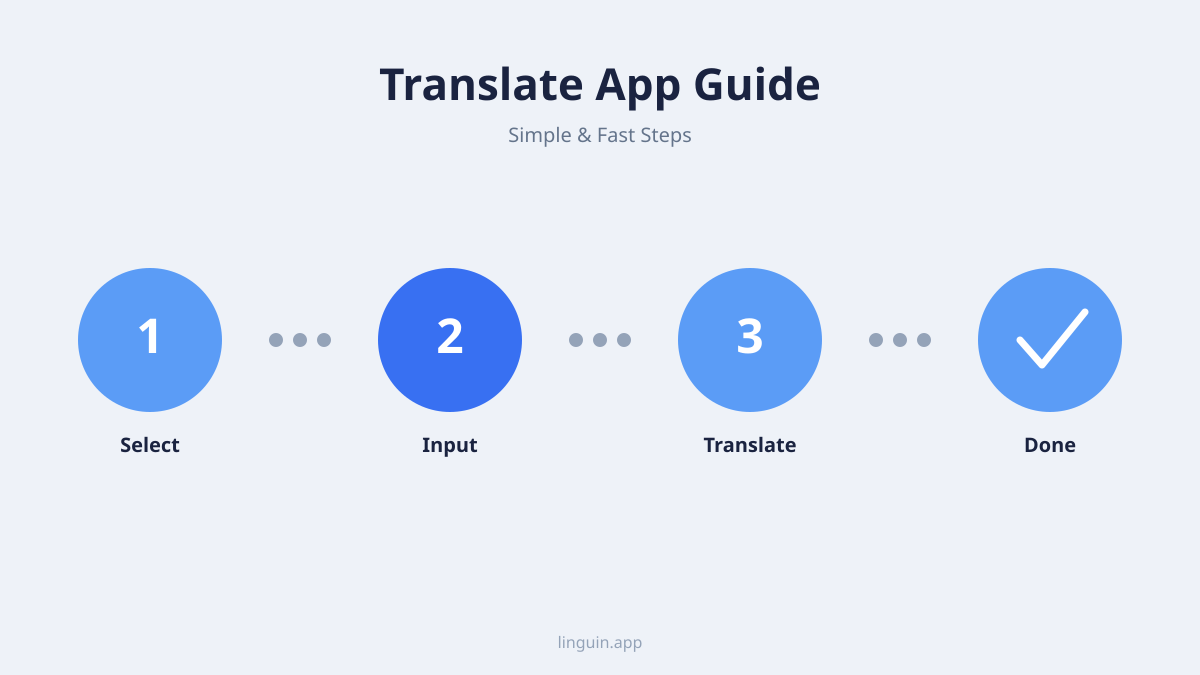
Use cases: Who needs a translate app and why?
A translate app is not just for tourists. Its utility spans personal, professional, and educational spheres, making it a versatile tool in a connected world.
For professionals and global business: In today’s global economy, communication crosses borders constantly. A professional translate app helps you correspond with international colleagues, understand market-specific documents, and localize content for different regions. Say you’re a project manager messaging a colleague in Japan about a deadline. A good app will translate your English message into polite, natural Japanese, and then translate their response back accurately, maintaining the professional nuance. For businesses looking to adapt their software or products, understanding app localization principles is the next logical step.
For travelers and cultural explorers: This is the most classic use case. A translate app helps you navigate unfamiliar places, read menus, ask for directions, and connect with locals. The camera and conversation modes are indispensable here. You can point your phone at a street sign or have a basic chat with a taxi driver, all without knowing a single word of the local language. It turns a potentially stressful experience into an engaging adventure.
For students and language learners: Language learners use translate apps as a powerful supplement, not a crutch. They can look up unfamiliar words, check their own sentence constructions, and immerse themselves in foreign-language content by translating articles or videos. The key for learners is to use an app that provides context and alternative phrasings, helping them understand why a particular translation is correct. For those focused on acquisition, pairing a translation tool with a dedicated best language learning app can be very effective.
Evaluating accuracy and context in AI translation
Accuracy is the most critical metric for any translate app, but it is not a simple binary. We must consider grammatical correctness, semantic fidelity, and contextual appropriateness. AI has significantly improved all three areas by moving beyond literal translation.
Context-aware translation is the benchmark for modern apps. This means the software considers the text surrounding your phrase to determine the correct meaning. For example, the English word “bank” could mean a financial institution or the side of a river. An AI model analyzing the full sentence or paragraph will choose the correct translation. This is especially important for pronouns, ambiguous terms, and industry-specific jargon. A medical document and a engineering manual will use the same words differently, and a good AI translator can recognize that context. Learn more about this technology in our feature on context-aware translation.
The human comparison: While AI translation has become remarkably good, it is important to understand its limits compared to a professional human translator. For creative literature, high-stakes legal contracts, or marketing copy where cultural nuance and emotional impact are key, human expertise is still superior. AI excels at speed, scale, and consistency for everyday communication, technical documents, and understanding general meaning. The choice between AI and human translation often comes down to the purpose of the text. Our article on AI vs human translation explores this balance in detail.
Integrating a translate app into your daily workflow
The true value of a tool is realized when it becomes a seamless part of your routine. Here is how to effectively integrate a translate app across different platforms.
On your desktop (macOS): A dedicated macOS app should sit in your menu bar or dock for instant access. The best ones allow you to translate text from any application via a quick keyboard shortcut. You can translate an email you are writing in Outlook, a paragraph in a PDF you are reviewing in Preview, or a snippet of code comments in your development environment. This eliminates the disruptive cycle of copying, switching to a browser tab, pasting, and copying back. For Mac users, finding a tool designed for this integrated workflow is key, as covered in our review of the best translator app for Mac.
On your mobile device (iOS): The iOS app should leverage the platform’s strengths. This includes Siri Shortcuts for voice-initiated translation, integration with the share sheet to translate text from any other app (like social media or news readers), and the camera and conversation modes mentioned earlier. The ideal mobile app is fast and works reliably both online and offline.
In your web browser (Chrome & Safari extensions): This is where a translate app becomes truly transformative for browsing the global web. A good extension can:
- Translate an entire foreign-language webpage with one click.
- Offer a hover-over translation for individual words or phrases.
- Translate text you type into web forms, like on international shopping sites.
- Provide subtitles or translate captions on video platforms.
This turns the entire internet into a comprehensible resource, removing language as a barrier to information, services, and community. For a breakdown of how the top extensions stack up, read our Chrome translator extension comparison.
Security and privacy considerations
When you use a translate app, you are often sending your text-which could be personal messages, business emails, or confidential documents-to a remote server. Therefore, understanding the app’s privacy policy and data handling practices is non-negotiable.
Data transmission and storage: Check whether the app processes translations locally on your device or sends them to a cloud server. Local processing offers the highest privacy but may limit the power of the AI model used. Cloud processing enables more advanced features but means your data is transmitted. Reputable companies will use encryption for data in transit, have clear policies on not storing your personal data longer than necessary, and not using your translations to train their models without explicit consent.
Choosing a trustworthy provider: Look for transparency. A good provider will have a easily accessible privacy policy that explains in plain language what data is collected, how it is used, and who it is shared with. For sensitive professional or personal use, prioritize apps that offer a subscription model where privacy is a stated feature, rather than free apps whose business model may involve data monetization.
Frequently asked questions
What is the most accurate translation app available?
Accuracy varies by language pair and context. As of 2026, several leading AI-powered apps provide highly accurate translations for most major languages. The most accurate app for you depends on your specific needs: some excel at Asian languages, others at European languages, and some offer superior context handling for business or technical jargon. It is best to test a few top contenders with your own typical texts.
Can I use a translation app completely offline?
Yes, many top translation apps offer offline functionality. This requires you to download specific language packs to your device beforehand. While offline translation is incredibly useful for travel and privacy, the AI models used are often slightly less powerful than the online versions, and some advanced features like real-time camera translation may not be available offline.
How does an AI translation app differ from Google Translate?
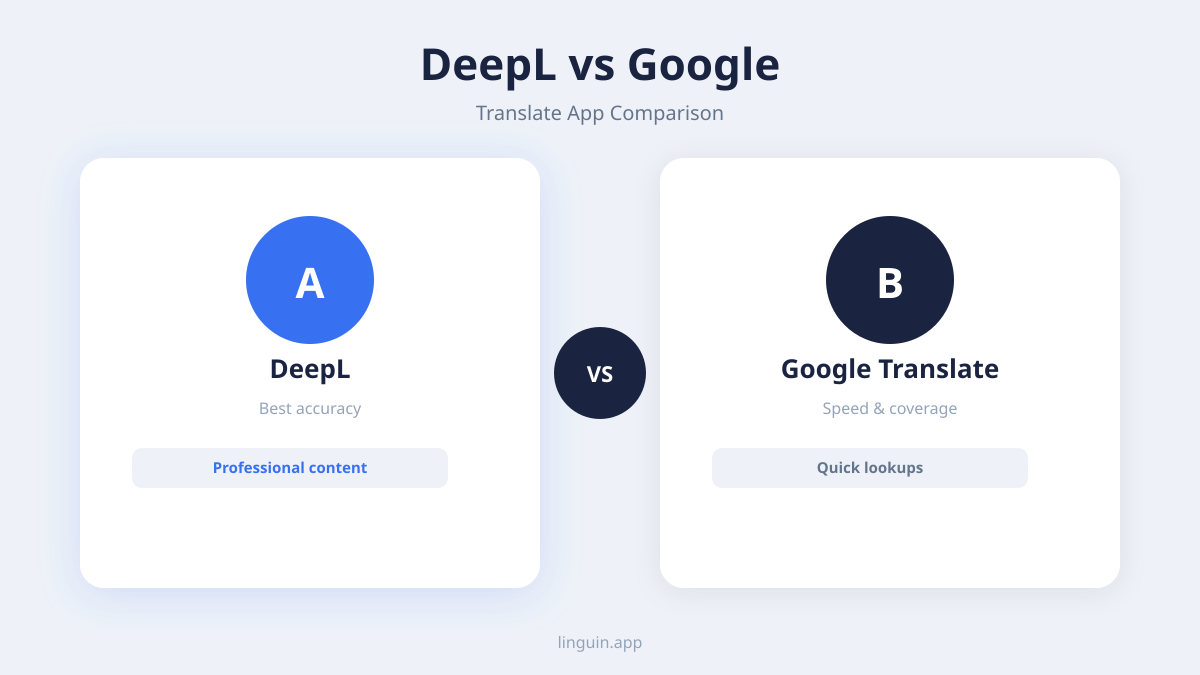
Google Translate is itself an AI translation app and was a pioneer in using neural machine translation. The difference now lies in the specific AI models, training data, and feature sets offered by various competitors. Some newer, specialized apps may use more recent or finely-tuned models, offer better integration with desktop operating systems, or provide stronger privacy guarantees. The landscape is competitive, with several strong alternatives.
Is it safe to translate confidential documents with an app?
Safety depends on the specific app’s privacy policy. For highly confidential documents, you should use an app that processes translations locally on your device (offline mode) or one from a provider with a strong, verifiable commitment to privacy, including end-to-end encryption and a policy of not storing your data. Always review the terms of service before uploading sensitive information.
Do translation apps work for complex documents like PDFs?
Yes, many advanced translation apps now support document translation. You can upload a PDF, Word document, or PowerPoint file, and the app will translate the text while attempting to preserve the original formatting, fonts, and layout. This is ideal for reports, contracts, and presentations. For a focused look at this capability, see our guide to the best PDF translator tools.
Choosing and using your translation app
Selecting the right translate app ultimately comes down to aligning its strengths with your primary use cases. Prioritize accuracy for your needed languages, seamless integration across the devices and platforms you use daily, and strong privacy practices that match the sensitivity of your content. The goal is to find a tool that feels less like a separate application and more like a natural extension of your own ability to communicate.
The best next step is to identify your single most frequent translation task. Is it reading foreign websites? Communicating with an overseas team? Understanding documents? Find an app that excels at that specific task and offers a free trial or tier. Test it with real-world examples you encounter. A modern AI-powered translate app, like Linguin, is designed to remove friction, allowing you to focus on the connection or information, not the language barrier itself.