English
  Español
  Français
  Deutsch
  Português
  Italiano
  Русский
  中文(简体)
  日本語
日本語  한국어
한국어  العربية
  हिन्दी
  Nederlands
  Türkçe
  Polski
Need to translate English to Spanish audio? Modern AI tools can translate spoken English into Spanish audio directly, preserving the speaker’s intent and nuance. This capability is crucial for anyone consuming media, collaborating internationally, or communicating in real-time with Spanish speakers. Whether you’re a professional handling multilingual projects or a traveler navigating a new environment, audio translation removes language barriers instantly. This article will explain the methods, technologies, and best practices for translating spoken English into natural-sounding Spanish audio, giving you the knowledge to communicate seamlessly across languages.
Key takeaways
- AI-powered audio translation goes beyond simple word-for-word substitution to capture context, tone, and intent.
- The process typically involves automatic speech recognition (ASR) to transcribe, machine translation (MT) to convert the text, and text-to-speech (TTS) to synthesize the new audio.
- High-quality results depend on clear source audio, an AI model trained on diverse linguistic data, and proper handling of accents and colloquialisms.
- Practical applications range from translating podcasts and video calls to providing real-time interpretation during live events or customer support.
How audio translation from English to Spanish works
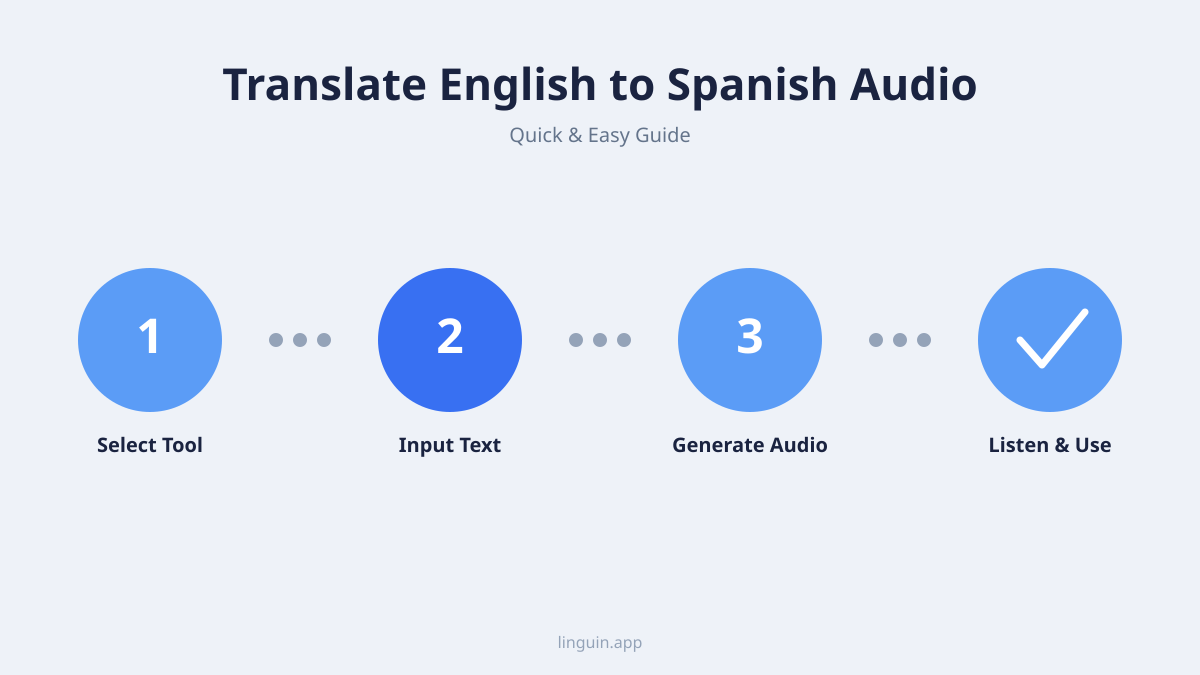
Translating English audio to Spanish is more complex than translating text. It involves a multi-step pipeline where each stage must be accurate for the final output to be useful. The first step is automatic speech recognition (ASR). This technology listens to the English audio and converts the spoken words into a text transcript. The accuracy of this step is paramount. Background noise, strong accents, overlapping speech, or specialized vocabulary can introduce errors that cascade through the rest of the process.
Once a reliable transcript is generated, the next stage is machine translation (MT). This is where the English text is translated into Spanish text. Modern AI translation models, like those powering Linguin, analyze entire sentences and paragraphs for context. This allows them to choose the most appropriate Spanish words and grammatical structures, rather than translating each word in isolation. They can handle nuances like formal versus informal tone, regional variations (such as the differences between Spanish spoken in Spain and Mexico), and even idiomatic expressions. For a deeper look at how AI handles these subtleties, see our article on AI translation accuracy.
The final step is text-to-speech (TTS) synthesis. The translated Spanish text is converted back into audible speech. Advanced TTS systems generate natural-sounding, human-like voices. They can add appropriate intonation and pacing, making the audio sound less robotic and more engaging. Some systems even allow you to choose a specific voice gender, age, or accent to match the intended audience or context. The entire process, from hearing the English to outputting the Spanish, can happen in near real-time, enabling live conversation translation.
Key technologies enabling accurate audio translation
The leap from clunky, literal translations to fluid, context-aware audio translation is powered by several converging technologies. The foundation is neural machine translation (NMT). Unlike older statistical methods, NMT uses deep learning neural networks to model the entire translation process as a single, end-to-end system. It learns from vast amounts of bilingual text data, building an internal understanding of language patterns, semantics, and syntax. This results in translations that are not only more accurate but also more natural and fluent.
Another critical component is speech-to-text and text-to-speech AI. These are no longer simple rule-based systems. Modern ASR and TTS engines are also built on deep learning models trained on thousands of hours of human speech. They learn to filter out noise, adapt to different speakers’ vocal characteristics, and understand varied pronunciations. For TTS, models like WaveNet and its successors generate raw audio waveforms that mimic the cadence and timbre of human speech, complete with breaths and natural pauses.
Finally, contextual understanding models play a vital role. These are AI systems designed to grasp the broader context of a conversation or audio segment. They look at the preceding and following sentences to resolve ambiguities. For instance, the English word “bank” could refer to a financial institution or the side of a river. A context-aware model uses surrounding words to make the correct choice and select the corresponding Spanish word (“banco” or “orilla”). This level of understanding is essential for translating complex dialogues, technical lectures, or narrative content where meaning builds over time. Explore how this applies to specific fields in our guide on AI translation for multilingual customer support.
Practical applications and use cases
The ability to translate English to Spanish audio unlocks a wide array of practical applications that enhance productivity, learning, and connection. One common scenario is multimedia content localization. Say you’re an educator who wants to make an English-language lecture series accessible to Spanish-speaking students. Instead of manually creating subtitles or dubbing the videos, you can use an AI audio translation tool to generate a Spanish voiceover. This dramatically reduces the time and cost of localization while expanding your content’s reach. Similarly, podcasters and content creators can repurpose their audio for a global audience without needing to re-record everything.
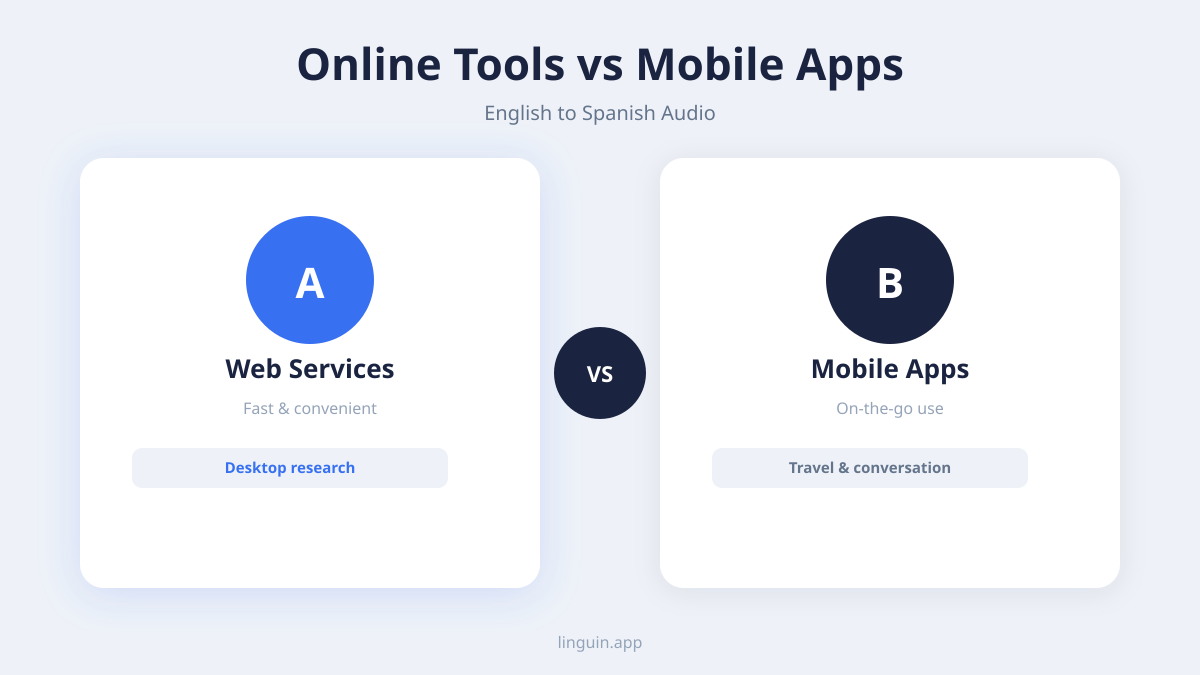
Another powerful use case is real-time conversation translation. Imagine you’re on a video call with a business partner in Madrid. You speak in English, and they hear your words translated into Spanish audio almost instantly, and vice versa. This facilitates smooth, natural dialogue without the lag of a human interpreter typing or speaking. This technology is also invaluable for travelers. You can use a mobile app to translate announcements at an airport, order food at a restaurant, or ask for directions, all through your device’s microphone and speaker.
Furthermore, audio translation is transformative for accessibility and inclusion. Individuals who are more comfortable consuming information aurally, or those with visual impairments, can access translated content through audio formats. It also assists language learners by providing clear, spoken examples of translated phrases in context. For professionals in fields like project management or software development, where quick, clear communication across teams is key, integrating audio translation into collaboration tools can streamline workflows and prevent misunderstandings. Learn more about its role in creative collaboration in our article on real-time multilingual creative collaboration.
Challenges and how to overcome them
Despite significant advances, translating English to Spanish audio still presents challenges. A primary hurdle is managing accents and dialects. English spoken with a strong Scottish brogue or Southern American drawl may be transcribed less accurately by an ASR model trained primarily on neutral accents. Similarly, Spanish has numerous regional variants. A translation tool might default to a generic “neutral” Spanish, but for audiences in Argentina or Colombia, localized vocabulary and pronunciation are preferable. The solution lies in using AI models trained on diverse, accent-inclusive datasets and, where possible, allowing users to select a target regional variant for the TTS output.
Handling ambiguous language and slang is another difficulty. Informal speech, internet slang, cultural references, and jokes often don’t translate directly. An AI might translate the English slang “That’s sick!” word-for-word to “¡Eso está enfermo!” which loses the positive connotation. Overcoming this requires AI models that are specifically trained on contemporary, informal language and can recognize when a phrase is idiomatic. They need to find a culturally equivalent expression in Spanish, like “¡Eso es genial!” The development of models that specialize in informal grammar and slang is crucial for authentic everyday communication.
Background noise and poor audio quality can severely degrade translation accuracy. A conversation in a busy café or a recorded lecture with echo will challenge the ASR component. To mitigate this, look for translation tools that incorporate noise-cancellation algorithms or, better yet, pre-process your audio files with dedicated cleaning software before translation. When recording audio intended for translation, use a good quality microphone in a quiet environment. For real-time apps, speaking clearly and close to the device’s mic will yield the best results. Understanding these limitations helps set realistic expectations and guides you toward practices that ensure higher fidelity translations.
Best practices for optimal results
To get the most accurate and natural-sounding translations from English to Spanish audio, follow a set of proven best practices. First, prepare your source audio. Whether you’re recording a new clip or using an existing file, ensure the audio is as clear as possible. Use a pop filter on your microphone, record in a quiet room, and speak at a steady, moderate pace. Enunciate clearly, especially with words that might sound similar. If you’re working with a pre-recorded file, consider using audio editing software to reduce background hiss, normalize volume levels, and remove long pauses. Clean input leads to a clean transcript, which is the foundation of a good translation.
Second, choose the right tool for your context. Not all audio translation services are equal. For translating a pre-recorded podcast, you might want a tool that allows you to upload the file, review the transcript for any ASR errors, and then generate the Spanish audio. For live conversations, you need a tool with low latency, ideally integrated into your communication platform like Zoom or Teams. Consider whether you need a specific Spanish dialect (e.g., Castilian vs. Latin American) and if the tool offers that choice for the TTS voice. Tools like Linguin are built to handle these varied requirements across different platforms.
Third, review and edit when possible. For important or permanent content, never rely solely on fully automated output. The ideal workflow involves a human-in-the-loop step. After the AI generates the Spanish text transcript, review it for any translation errors, awkward phrasing, or cultural mismatches. You can then make manual corrections before synthesizing the final audio. This is especially critical for marketing materials, legal content, or any audio where nuance and absolute accuracy are paramount. For less critical, real-time communication, the speed and convenience of full automation may outweigh the need for perfect accuracy.
Integrating audio translation into your workflow
Seamless integration is key to making audio translation a practical part of your daily life or business operations. For individuals and casual use, mobile apps and browser extensions are the most straightforward. You can use a mobile app to point your phone’s microphone at a speaker, like a tour guide, and hear a real-time translation through your headphones. Browser extensions can automatically translate the audio from videos playing on platforms like YouTube or Netflix, either by generating subtitles or, where supported, by dubbing the audio track.
For professional and team environments, look for integrations with the tools you already use. Many modern AI translation APIs can be integrated into video conferencing software, e-learning platforms, content management systems, and customer relationship management (CRM) tools. This allows for automatic translation of sales calls, support tickets, training videos, and internal meetings. Developers can also leverage these APIs to build custom audio translation features directly into their own applications or services.
The goal is to make the translation process invisible. Instead of being a separate, cumbersome task, it should happen automatically in the background, facilitating communication without interrupting the flow of work or conversation. By choosing tools that work across your devices-like a unified experience between your macOS desktop app, your iOS mobile app, and your Chrome or Safari extensions-you ensure you have the capability to translate English to Spanish audio wherever you are, on whatever device you’re using. This holistic approach is central to overcoming language barriers in a connected world.
Frequently asked questions
Can AI translate English audio to Spanish in real time?
Yes, advanced AI translation tools can process English audio and output Spanish speech in near real-time. The process involves instantaneous speech recognition, text translation, and speech synthesis. The speed and accuracy depend on your internet connection, the quality of the source audio, and the sophistication of the AI model. This is ideal for live conversations, video calls, and interpreting live broadcasts.
How accurate is AI-powered audio translation?
Accuracy is high for clear, well-enunciated speech on common topics. Modern neural networks excel at grasping context and producing natural-sounding translations. However, accuracy can decrease with heavy accents, background noise, highly technical jargon, or complex cultural references. For critical applications, a human review of the text transcript is recommended to catch any errors before the final audio is generated.
What’s the difference between translating audio and translating text?
Audio translation includes the extra steps of speech recognition and speech synthesis. This introduces potential error points-misheard words or unnatural synthetic speech-that pure text translation avoids. However, audio translation provides the immense benefit of spoken output, which is essential for accessibility, real-time communication, and consuming content hands-free or on the go.
Can I translate a recorded MP3 file from English to Spanish?
Absolutely. Many AI translation platforms allow you to upload audio files (like MP3, WAV, or M4A). The system will transcribe the English speech, translate the text to Spanish, and then generate a new audio file with a Spanish voiceover. You can then download this translated file for use in videos, presentations, or audio players.
Do these tools work for other languages besides Spanish?
Yes. Leading AI translation services support over 100 languages. The core technology is the same: speech-to-text, neural machine translation, and text-to-speech. The available languages depend on the training data for each component (ASR, MT, and TTS). For Spanish, you often have a choice of regional variants and multiple voice options for the synthesized speech.
Getting started with audio translation
Translating English to Spanish audio effectively hinges on understanding the technology, knowing its best applications, and integrating it thoughtfully into your processes. The core principles are clear: prioritize audio quality for better input, choose tools that match your specific needs for real-time or file-based translation, and always consider the importance of cultural context and regional dialects for your audience. By following the best practices outlined here, you can avoid common pitfalls and achieve more natural, accurate results.
The most direct next step is to experience the technology firsthand. Try using an AI translation app or extension with a specific task in mind. For instance, record a short English voice memo on your phone and use a tool like Linguin to translate it into Spanish audio. Pay attention to the clarity of the transcription, the natural flow of the translation, and the quality of the synthesized voice. This practical test will give you a concrete understanding of the current capabilities.
As AI models continue to evolve, their ability to handle the nuances of spoken language will only improve, making seamless cross-lingual audio communication an everyday reality. Whether for work, education, or personal connection, mastering this tool opens up a world of possibilities without language barriers.