
 English
  Español
  Français
  Deutsch
  Português
  Italiano
  Русский
  中文(简体)
  日本語
日本語  한국어
한국어  العربية
  हिन्दी
  Nederlands
  Türkçe
  Polski
The internet has shrunk the world, connecting us to people and cultures from every corner of the globe. Social media, in particular, has become our digital town square, a place where ideas, trends, and friendships transcend geographical boundaries. But what happens when your feed is a mosaic of languages, or when you want to engage with someone whose native tongue isn’t yours? The language barrier can quickly turn a vibrant global conversation into a frustrating dead end.
Fear not, digital explorers! This guide is your roadmap to breaking down those linguistic walls and fostering genuine connections across cultures. We’ll explore the nuances of translating social media content, from quick snippets to entire profiles, and show you how to leverage the power of AI to make every post accessible. Whether you’re a marketer looking to expand your reach, a traveler wanting to connect with locals, or simply a curious soul eager to understand diverse perspectives, translating social media posts is no longer a daunting task.
The Ever-Expanding Universe of Social Media Languages
Think about your daily social media scroll. You might see posts from friends in their native language, news articles shared from international sources, or even advertisements tailored to global audiences. Platforms like Twitter (now X), Instagram, Facebook, TikTok, and LinkedIn are global hubs, hosting billions of users who communicate in thousands of different languages.
This rich tapestry of languages is a testament to the internet’s power, but it also presents a challenge. Understanding a trending hashtag in Japanese, deciphering a comment from a user in Brazil, or following a thought leader in Germany can be difficult without a reliable translation tool. The risk of misunderstanding, of missing crucial context, or of simply being unable to participate, can be significant. This is where smart translation technology becomes indispensable.
The goal isn’t just to get a word-for-word translation. It’s about capturing the intent, the tone, and the cultural nuances that make social media interactions dynamic. Slang, idioms, emojis, and even the way a sentence is structured can carry a lot of meaning that a simple translator might miss. This is where AI-powered translation tools like Linguin help. By understanding context, AI can offer translations that are not only accurate but also more natural and culturally relevant than word-for-word substitution.
Translating Social Media Posts: A Platform-by-Platform Approach
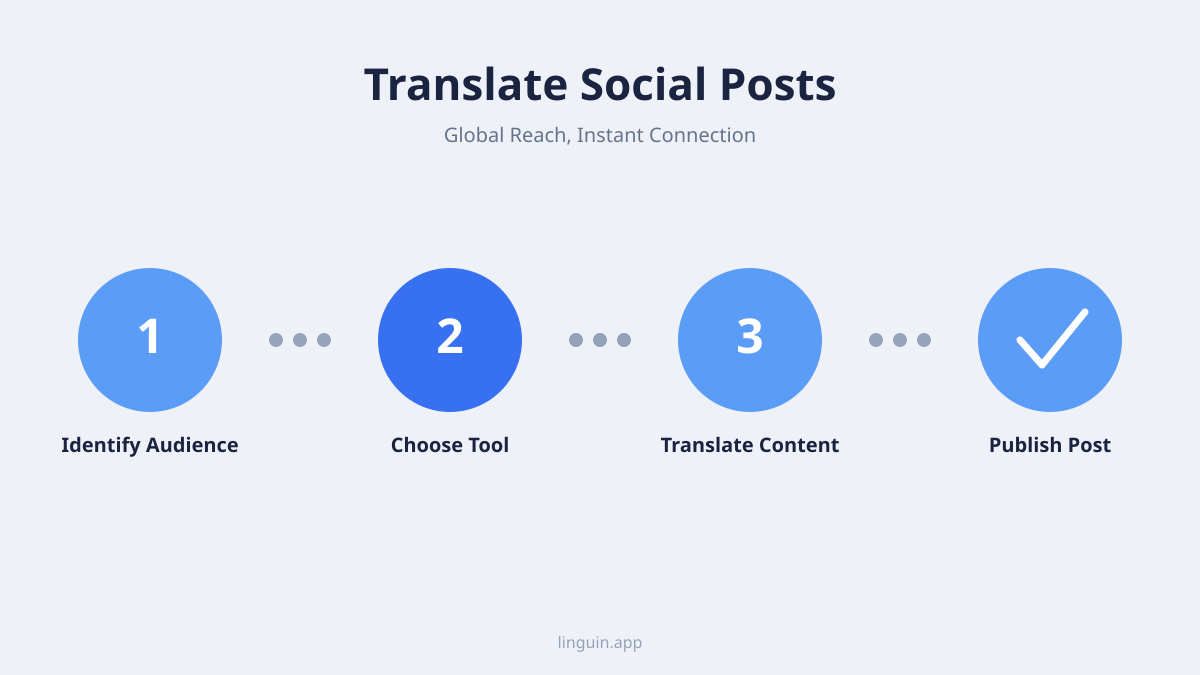
The best approach to translating social media posts depends heavily on whether you’re using the web version of a platform in your browser or its native mobile app. Linguin’s Chrome and Safari extensions can select and translate text directly on any webpage, including the web versions of most social networks. Inside a native mobile app, there’s no extension to reach into it, so the workflow is copy the text, paste it into the Linguin app, and read the translation there. Let’s break down how this plays out across some of the most popular social networks.
Twitter (X): Navigating the Real-Time Feed
X’s fast-paced nature means you’re constantly encountering short, punchy messages. A single tweet can spark a global conversation, and understanding it quickly is key.
- On the Web: X itself offers a basic built-in translation option on some posts, but quality and availability vary. When you’re browsing x.com in a browser, you can also highlight a tweet’s text and right-click to translate it with the Linguin extension, or use the extension’s “Translate Page” option to translate everything visible at once.
- On Mobile: In the native X app, there’s no Linguin extension to hook into. Copy the tweet text you want translated and paste it into the Linguin iOS app.
- Translating Threads: For a longer thread, translate it tweet by tweet, on the web with the extension’s selection translate, or on mobile by copying each tweet into Linguin, piecing the conversation together as you go.
Instagram: Visuals and Captions
Instagram is a highly visual platform, but captions and comments are crucial for context and interaction.
- Caption Translation: When you see a caption in a language you don’t understand, select the text on instagram.com in your browser and translate it with the Linguin extension. In the native Instagram app on your phone, copy the caption text and paste it into the Linguin app instead; there’s no in-app translate button and no camera-based translation of on-screen text in Linguin.
- Comment Section Debates: The comment section can be a goldmine of opinions and discussions. On the web, select and translate comments the same way as captions. In the app, copying and pasting the specific comments you care about into Linguin is the reliable way to follow the discussion.
Facebook: Connecting with Friends and Groups
Facebook remains a dominant platform for personal connections, groups, and news sharing.
- Post and Comment Translation: Facebook offers its own built-in translation feature with variable quality. When browsing facebook.com on your desktop, you can select foreign text and use the Linguin extension for an alternative translation. In the mobile app, copy and paste text you want translated into Linguin.
- Group Discussions: International Facebook groups can be very active. The same web-extension-or-copy-paste split applies: browser for the desktop site, copy-paste into the app for the mobile experience.
TikTok: The Global Dance Floor
TikTok’s short-form video format has a massive global reach, with trends and sounds going viral across languages.
- Video Captions and On-Screen Text: A lot of TikTok’s text lives baked into the video itself, burned-in captions and on-screen overlays that are part of the video’s pixels, not selectable text. Linguin doesn’t include OCR or screen capture, so it can’t read that kind of text; this is a genuine limitation worth knowing about rather than something you can work around with the app. Selectable text, like a video’s written description on tiktok.com, can be translated the same way as other web content, by selecting it and using the Linguin extension.
- Comments: Comments on tiktok.com can be selected and translated via the browser extension. In the native app, copy the specific comment text and paste it into Linguin.
LinkedIn: Professional Networking Worldwide
For professionals, LinkedIn is a primary platform for career development and industry insights. Language should never be a barrier to global opportunities.
- Profile and Post Translation: When encountering profiles or posts in different languages on linkedin.com, select the text and translate it with Linguin’s browser extension, or use “Translate Page” for a whole profile or article at once. This is useful for understanding the background of international professionals or staying current on global industry discussion.
- Messaging: If you’re drafting a message to an international contact or recruiter, write it in your own language, paste it into Linguin, translate, and paste the result into LinkedIn’s messaging box. It’s a couple of extra steps compared to a built-in compose-in-another-language feature, but it keeps the translation quality consistent with everything else you translate through Linguin.
Beyond Basic Translation: The Power of Context and AI
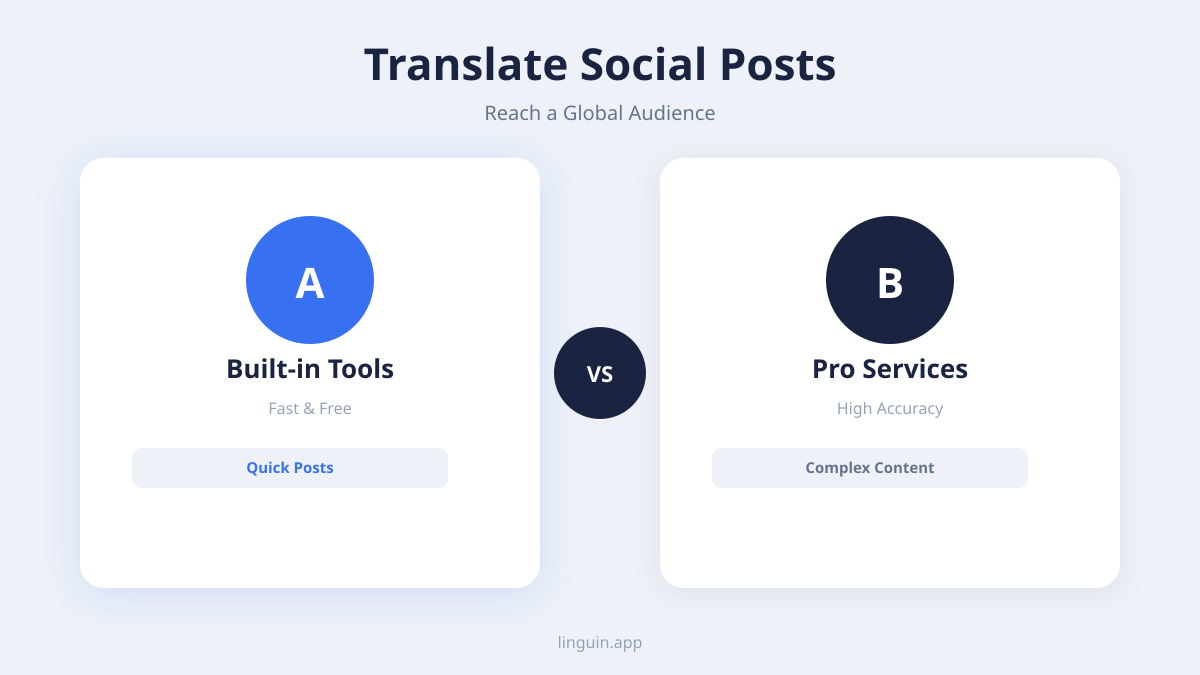
Why rely on an AI-powered tool like Linguin over the built-in features of social media platforms? It comes down to sophistication and context.
- Nuance and Idioms: Social media is rife with slang, idioms, and cultural references that can be difficult for traditional translators to grasp. AI language models are trained on vast amounts of text, which generally makes them better at recognizing these nuances than older phrase-based translators. Linguin is designed to capture the spirit of the original message, not just its literal meaning.
- Tone and Sentiment: The tone of a social media post, whether it’s humorous, sarcastic, serious, or enthusiastic, is crucial for understanding. AI can do a better job of inferring this tone from the surrounding text and context, leading to more natural-sounding translations than literal, word-by-word substitution.
- Consistent Interface Across Devices: Linguin offers the same translation interface across macOS, iOS, and web browsers via its Chrome and Safari extensions. This means the workflow for translating social media posts feels familiar whether you’re on your laptop or your phone, even though the exact steps differ (extension on the web, copy-paste in native apps).
Practical Tips for Translating Social Media
To make the most of your translation efforts on social media, keep these tips in mind:
- Identify the Language: If you’re unsure of the language, many browsers and apps have automatic language detection features, or Linguin can often identify it for you.
- Context is King: Always try to understand the context of the post. Is it a casual comment, a news update, or a professional announcement? This helps in interpreting the translation.
- Don’t Be Afraid to Ask for Clarification: If a translation seems unclear or you suspect a nuance is lost, don’t hesitate to politely ask the original poster for clarification, perhaps using a translated version of your question.
- Use Emojis Strategically: Emojis are a universal language to some extent. While they can help convey emotion, be aware that their specific meanings can sometimes vary subtly across cultures.
- Consider the Cultural Background: A direct translation might be technically correct but culturally insensitive. Be mindful of this when engaging in conversations. AI tools like Linguin aim to mitigate this by offering more natural phrasing.
- Keep Recurring Terms Consistent: If you regularly translate posts involving the same names, hashtags, or brand terms, Linguin’s custom dictionary lets you define fixed replacements so those terms come out the same way every time.
- Leverage Browser Extensions on the Web: For desktop users browsing the web version of a platform, installing Linguin’s Chrome or Safari extension makes selection-based translation quick, no copying and pasting into a separate app needed.
- Copy-Paste in Native Mobile Apps: For platforms you use through their dedicated app rather than a browser, Linguin’s iOS app is where translation happens, paste in text you’ve copied and get a translation back. There’s no camera-based or on-screen text translation, so anything baked into an image or video needs to be typed or copied as text first.
Embracing a Connected World
The ability to understand and communicate across languages is no longer a luxury; it’s a necessity in our increasingly interconnected world. Social media is at the forefront of this global exchange, and by mastering the art of translating posts, you open yourself up to a universe of new friends, insights, and opportunities.
Linguin is here to be your trusted companion on this journey. Our AI-powered translation app for macOS, iOS, and our browser extensions for Chrome and Safari are designed to make language barriers a thing of the past. Whether you’re looking to engage with a global audience, stay informed about international events, or simply connect with people from different backgrounds, Linguin empowers you to speak the world’s language.
Video is one of the most shared formats on social platforms, and our piece on how a video translation app works covers dubbing and on-screen captions built specifically for that kind of content.
So, the next time you encounter a post in a foreign tongue, don’t let it pass you by. With Linguin, you have the power to translate, understand, and participate in the global conversation. Dive in, explore, and connect – the world is waiting!
-vs-translator.png)




