
 English
  Español
  Français
  Deutsch
  Português
  Italiano
  Русский
  中文(简体)
  日本語
日本語  한국어
한국어  العربية
  हिन्दी
  Nederlands
  Türkçe
  Polski
Understanding Linguin pricing is straightforward: there’s a free tier and one Premium tier, available as a monthly subscription or a one-time lifetime purchase. This guide breaks down exactly what’s included at each level, what Premium unlocks, and how to decide whether it’s worth it for how you use the app.
Key takeaways
- Linguin has a free tier (500 characters per translation, 20 translations a day, Standard style powered by Google Translate) and one Premium tier that removes those limits.
- Premium is $4.99/month or a one-time $29.95 for lifetime access, both unlocking the same features. There is no separate “Pro” or “Business” tier.
- Premium unlocks unlimited character length, the four AI-powered styles (Formal, Casual, Creative, Technical), translation history, a custom dictionary, voice output, and appearance customization.
- One account covers macOS, iOS, the web app, the Chrome extension, and, on Mac, the Safari extension.
How Linguin pricing is structured
Linguin’s pricing is deliberately simple: a free tier to try the app, and a single Premium tier that unlocks everything else. There’s no multi-tier ladder with separate “Pro” and “Business” plans, no per-word credits, and no feature paywalled behind a higher tier than Premium. You either use the Free plan or you subscribe to Premium, and Premium is identical no matter how you pay for it.
The Free plan uses the Standard translation style, which is Google Translate under the hood, capped at 500 characters per translation and 20 translations per day. That’s enough for quick lookups, short messages, or testing the app before committing to anything. Premium removes both the character cap and the daily limit, and adds four additional AI-powered styles that route through a hosted AI model instead of Google Translate.
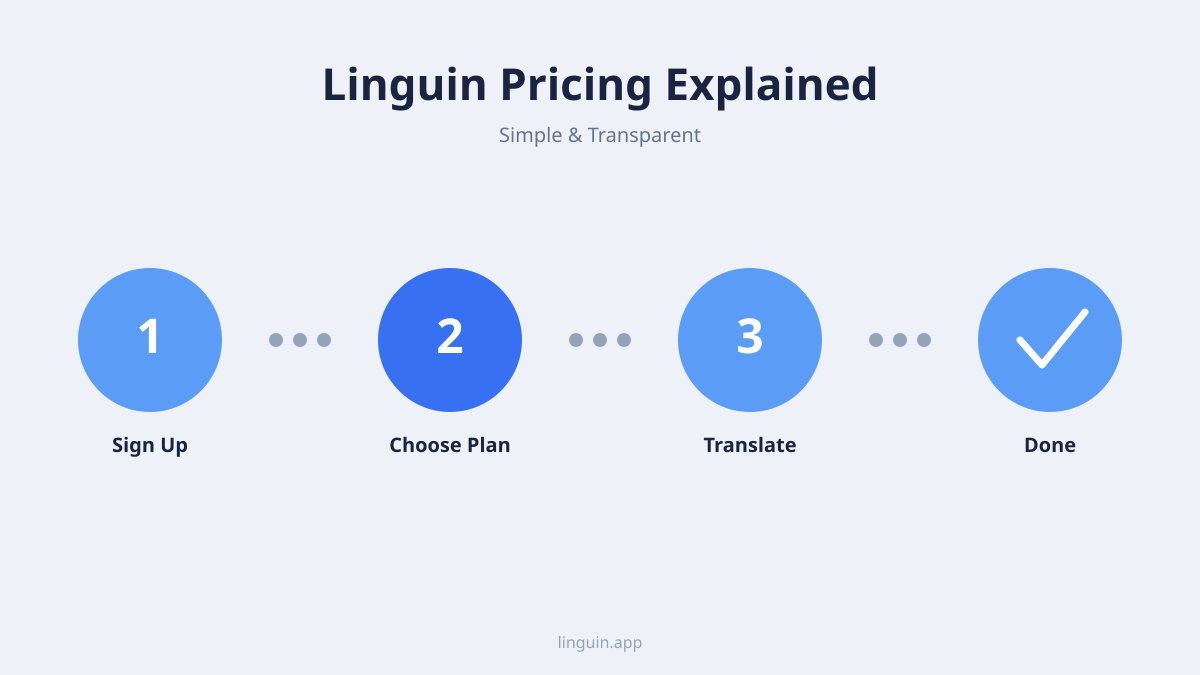
Detailed breakdown of each plan
Free plan: Standard style, with limits
The Free plan lets you translate text in 100+ languages using the Standard style (Google Translate), with a cap of 500 characters per translation and up to 20 translations a day. It’s available on every platform Linguin ships on: macOS, iOS, the web app, the Chrome extension, and, on Mac, the Safari extension. It’s a genuinely useful way to handle short, everyday translations, and the Free tier has no time limit, so you can test translation quality before deciding whether to pay.
Premium: one tier, two ways to pay
Premium unlocks the full set of paid features, and it’s the same feature set regardless of which billing option you choose:
- Unlimited characters. No 500-character cap, so you can translate long emails, articles, or paragraphs in one go.
- Four AI-powered translation styles. Formal, Casual, Creative, and Technical, each routed through a hosted AI model built to match tone and context rather than translate word for word. (Standard, the free Google Translate style, is also still available.)
- Voice output. Listen to translations read aloud in a natural-sounding voice.
- Translation history. Every translation is saved to your account so you can look it back up later.
- Custom dictionary. Save your own word and term replacements so specific names or terminology translate the same way every time.
- Appearance customization. Custom themes and app icons.
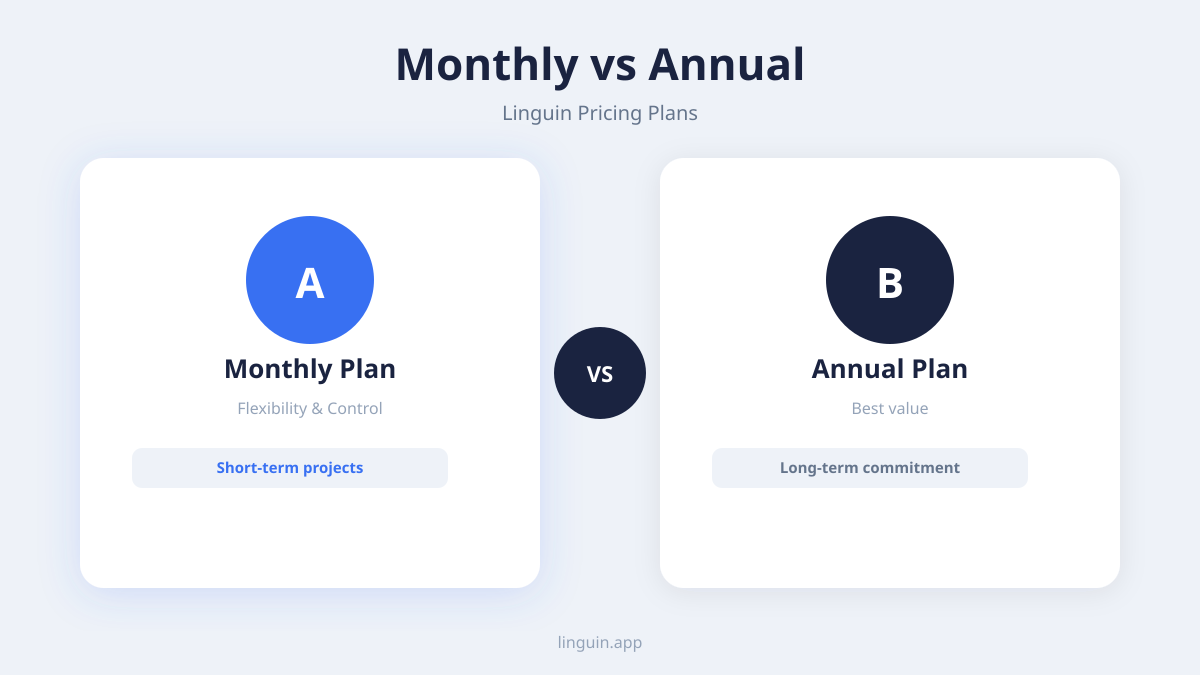
You can pay for Premium two ways: $4.99 a month, billed monthly and cancel anytime, or a one-time $29.95 lifetime purchase that unlocks Premium forever with no recurring charges. Both unlock the identical feature set, so the choice comes down to whether you’d rather pay a small amount monthly or make a single payment and be done with it.
Determining which plan is right for you
If you only translate occasionally, short messages, single sentences, the odd phrase while browsing, the Free plan’s 500-character, 20-translations-a-day limits are unlikely to get in your way, and the Standard (Google Translate) style is a perfectly reasonable baseline for casual use.
If you regularly translate longer text, want translations that sound more natural and tonally appropriate (a formal email versus a casual message to a friend), or want your translation history and custom dictionary to follow you across devices, Premium is worth it. For a deeper look at what makes a top-tier tool, you can explore our analysis of the best translation app for 2025.
Between the two Premium options, the lifetime purchase pays for itself against the monthly subscription in about six months, so if you’re confident you’ll keep using Linguin past that point, it’s the better value. If you’d rather not commit upfront, the monthly plan is the lower-commitment way in, and you can cancel anytime.
The value beyond the price tag
When evaluating Linguin pricing, it’s worth looking at the value delivered, not just the cost. Unlike services that charge per word or gate accuracy behind expensive tiers, Linguin’s Premium price is flat: $4.99/month or $29.95 once, covering unlimited translations, all four AI styles, and every platform. This predictability makes budgeting simple.
The quality difference between the free Standard style and the four paid AI styles is the biggest part of the value. The paid styles route through a hosted AI model that pays attention to context, idioms, and tone, producing more natural output than a word-for-word engine, which matters for professional communication where nuance counts. Combine that with translation history and a custom dictionary that keep names and terminology consistent, and Premium becomes less an expense and more a tool that saves time on corrections and re-translations. To understand more about how AI achieves more natural output, read about context-aware translation.
How Linguin compares to other translation services
Many popular online platforms offer free translation with no length limits, but often without dedicated apps, a consistent experience across devices, or a choice of tone. Other translation apps sometimes use complex credit systems where different languages or content types cost different amounts.
Linguin’s model is intentionally simple: one free tier with clear limits, one Premium tier with one flat price (paid monthly or once), and the same 100+ languages and every platform included either way. For a detailed feature-by-feature analysis, our guide on the best translator app for Mac dives deeper into how Linguin stacks up against alternatives.
Managing your subscription and billing
You can manage, cancel, or switch your subscription from your account settings on the Linguin website or in the app. Cancelling a monthly subscription stops future billing but lets you keep Premium access through the end of the period you already paid for. The lifetime plan has no billing to manage at all: it’s a single payment, and Premium stays active for as long as you use the app.
Billing is handled securely through Stripe, and receipts are emailed automatically. If you have questions about a specific charge, Linguin’s support team can help.
Frequently asked questions
Is there a free trial for Premium?
No. Linguin does not have a free trial of Premium. The Free tier has no time limit, so you can use it as long as you like and subscribe only when the 500-character and 20-translations-a-day limits get in your way.
Can I use my subscription on multiple devices?
Yes. Your Linguin Premium subscription is tied to your account, not a single device. Sign in with the same account on your Mac, iPhone, iPad, and in the Chrome or Safari extension, and Premium status, translation history, and your custom dictionary follow you across all of them.
What happens if I hit the Free plan’s limits?
On the Free plan, you can translate up to 500 characters per translation and up to 20 translations a day using the Standard (Google Translate) style. If you hit either limit, translation pauses until the daily count resets, or you can upgrade to Premium to remove both limits.
What is the Lifetime plan?
Lifetime is a single one-time payment of $29.95 that unlocks Premium forever, including future updates, with no recurring charges. The Monthly plan is $4.99/month, cancel anytime. Both plans unlock the exact same Premium features; the only difference is how you pay.
Which platforms does my subscription cover?
Premium covers every Linguin platform: the macOS app, the iOS app, the web app, the Chrome extension, and, on Mac, the Safari extension. One purchase, one account, all platforms.
Getting started with Linguin
Choosing the right Linguin plan comes down to how much you translate and whether tone and length limits matter to you. The Free plan is a real, usable product on its own, capped but not crippled. Premium removes the caps and adds the tools, style, voice, history, dictionary, that turn translation from an occasional helper into part of your daily workflow.
The most straightforward next step is to try it. Download the app for your Mac or iPhone, or add the browser extension to Chrome or, on Mac, Safari, and start on the Free plan. Translate a few emails, web pages, or messages, and see whether the Free limits are enough for you. That hands-on experience will tell you quickly whether the monthly or lifetime plan makes more sense for you.
-vs-translator.png)




